


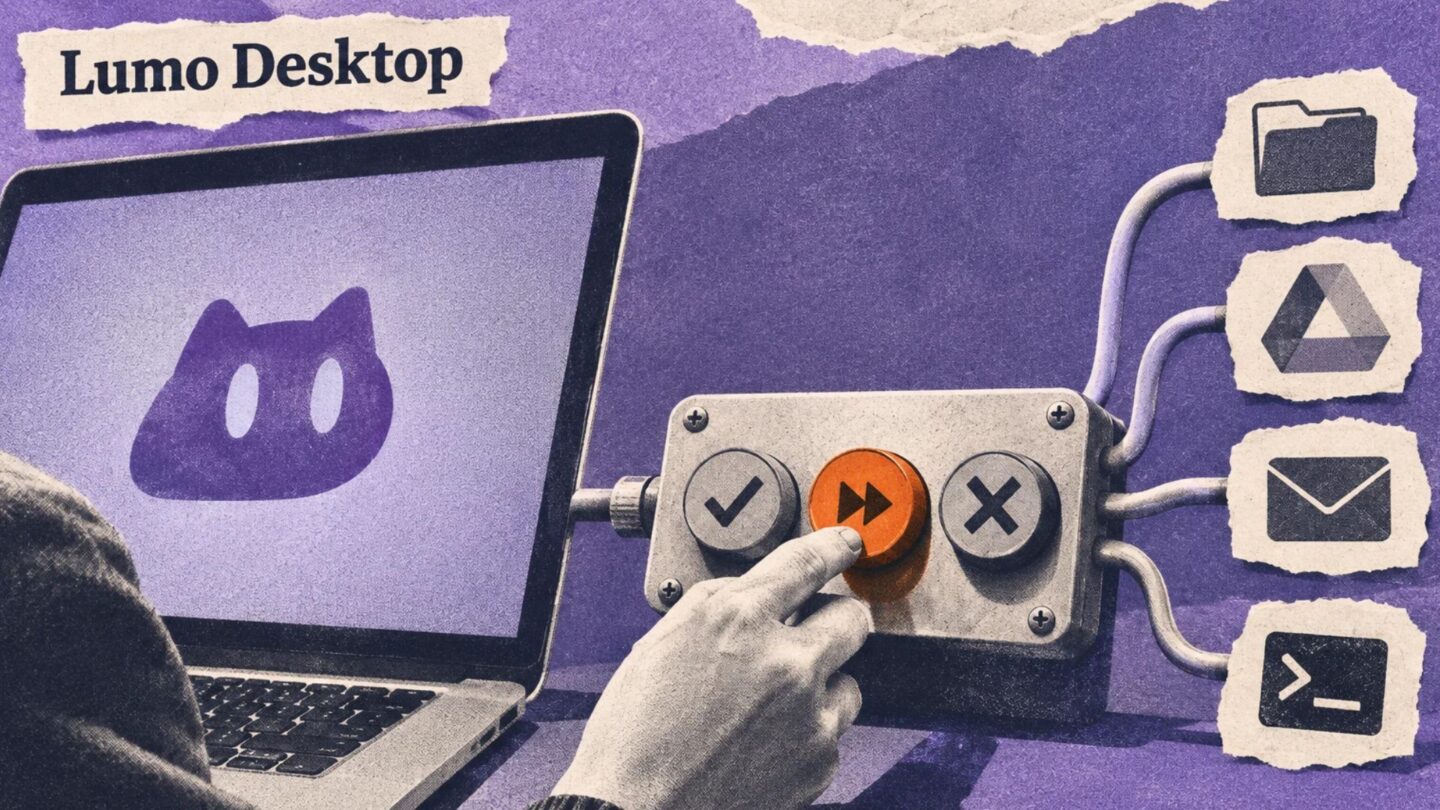
Swiss privacy technology firm Proton has officially expanded its artificial intelligence offerings with the release of Lumo Desktop, a standalone computer application designed to bring automated workflows and local file access to personal computers. Announced on 17 November, the new software lets users search documents stored directly on their hard drives while pulling information from connected cloud platforms such as Proton Mail and Google Drive. By moving beyond a standard web browser interface, the software aims to compete directly with mainstream artificial intelligence tools while maintaining strict user confidentiality.
The release marks a significant step in Proton’s strategy to provide secure alternatives to conventional productivity and communication suites. While many modern artificial intelligence assistants require broad access to personal data to function effectively, Proton has engineered its desktop client to operate within clear boundaries set by the individual user. The application is available for download on Windows, macOS, and Linux, though users must sign in with a registered Proton account to access the desktop features.
Connecting local files and external services
A central component of the new desktop application is a feature called Connectors, which lets the assistant interact with local folders, run system commands, and fetch live content from the internet. Alongside local filesystem access, the tool integrates with third-party workplace platforms including Jira and Confluence, as well as Proton’s own encrypted email service via the Proton Mail Bridge. Technical users can also link the software to local or remote servers that utilise the Model Context Protocol, expanding the range of external tools the assistant can operate.
To address security concerns associated with giving software deep access to a personal computer, Proton has built granular permission controls directly into the connection framework. Individuals can configure each linked tool independently, deciding which actions the assistant can carry out automatically, which tasks require explicit human approval beforehand, and which operations should be blocked entirely. For instance, a user might allow the program to search an email inbox freely while requiring manual confirmation before sending any message and strictly forbidding email deletion.
Automating routines with Schedules and Skills
Beyond answering single queries, Lumo Desktop adds automation through two features: Schedules and Skills. Schedules let users set up recurring tasks that run automatically at set times without manual prompting. Office workers and everyday users can instruct the software to compile weekly summaries of unread emails, review household bills stored in local folders monthly, or gather regular updates on specific news topics. Each scheduled routine retains its own independent permission settings, ensuring automated actions remain within safe limits.
Alongside automated timers is Skills, a customisation system that lets users save reusable sets of instructions to guide how the assistant completes specific jobs. Rather than repeatedly typing out formatting rules or background details in every new conversation, individuals can store templates, reference documents, and stylistic preferences for the software to apply automatically. Common applications include saving personal writing styles for drafting correspondence, storing dietary requirements for meal planning, or keeping a curriculum vitae on file to help tailor job applications.
Strict encryption and data protection standards
In keeping with Proton’s broader corporate reputation, the desktop client is built around zero-access encryption and strict data minimisation policies. According to the company, saved conversation histories are encrypted in such a way that they can only be decrypted on the user’s own device, preventing third parties and even Proton itself from reading the contents. Furthermore, the firm states that it never uses user prompts or information retrieved from connected applications and local files to train underlying artificial intelligence models or target advertisements.
The company has also made the desktop client’s source code publicly available for independent inspection, allowing security researchers to verify its privacy claims. Powered by sovereign infrastructure hosted in Switzerland, the service operates under European data protection regulations. While anyone with a free Proton account can access basic features, advanced integrations such as the Proton Mail Bridge require a paid subscription.