


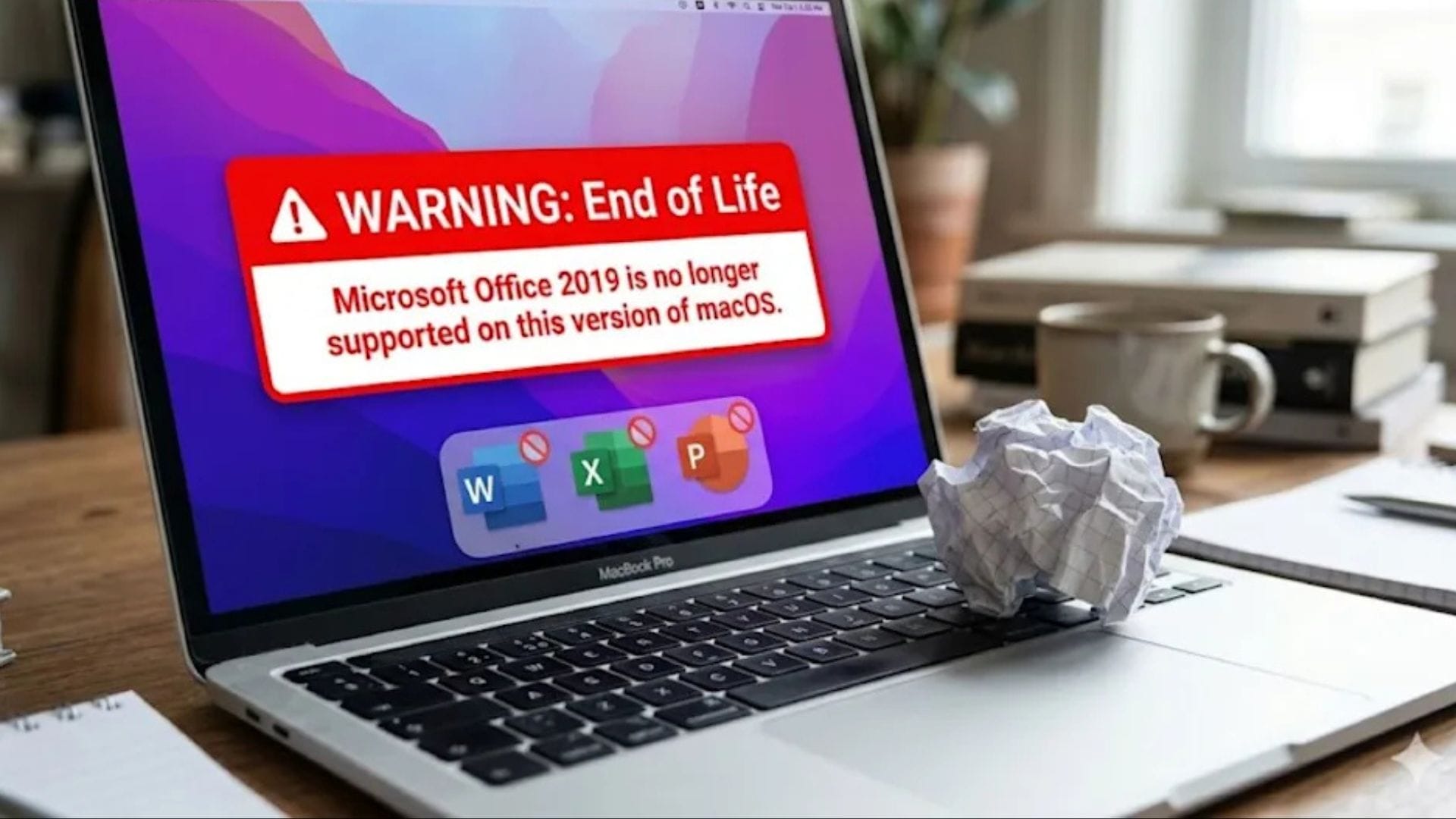
Microsoft has confirmed that Office 2019 for Mac will lose key functionality next month due to the expiry of a digital certificate, leaving affected users unable to perform many everyday tasks within the software suite. From 13 July, users of older versions of Word, Excel, PowerPoint, Outlook and OneNote on macOS and iOS devices will find that the applications can only open and print documents.
The change will place the software into what Microsoft describes as “reduced functionality mode”. In this state, users will no longer be able to create new files, edit existing documents or save changes. The issue also affects Microsoft 365 subscribers using iPhones and iPads, as well as individuals running standalone versions of Office 2019 or Office 2021 on supported Apple devices.
Microsoft said the problem is linked to an outdated certificate and can be resolved for some users by updating their software. However, those still using Office 2019 have limited options, as the product no longer receives updates or technical support.
Certificate expiry affects older Office users
The company explained that users running devices capable of supporting macOS 12 Monterey, or iPhones and iPads running iOS 17 or later, can avoid the issue by updating to the latest version of Microsoft 365 or Office 2021. These updates include the necessary certificate changes required for continued full functionality.
However, Office 2019 users cannot install an update to fix the problem. Microsoft officially ended support for Office 2019 on 10 October 2023, meaning the software no longer receives feature updates, bug fixes or security patches. As a result, reinstalling the application will not restore normal operation once the certificate expires.
The decision leaves many users facing a difficult choice. Those who purchased Office 2019 as a one-time licence may now need to upgrade to a newer version of the software or switch to a subscription-based model. While the applications will still launch and allow files to be viewed and printed, the inability to make changes significantly reduces their usefulness for everyday productivity tasks.
Microsoft noted that users who do not wish to purchase new software can still access web-based versions of Word, Excel and PowerPoint through a Microsoft account. These browser-based tools offer basic document editing features and remain available free of charge.
Microsoft recommends upgrading to newer versions
To continue using Office applications without restrictions, Microsoft is encouraging affected customers to subscribe to Microsoft 365 or purchase Office 2024, the latest standalone version of the productivity suite. Both options include updated certificates and ongoing support.
The company stressed that the issue is limited to Apple platforms. Users running Office applications on Windows or Android devices will not be affected by the certificate expiry. Microsoft also confirmed that Office 2021 remains supported and will continue receiving security updates until 13 October 2026.
The announcement highlights the challenges faced by users of ageing software products as technology providers increasingly move towards subscription services and regularly updated platforms. While software support lifecycles are common across the industry, the sudden loss of editing functionality may come as an unwelcome surprise for customers who expected their purchased applications to continue operating normally.
Changes raise concerns among long-term customers
The situation has attracted criticism because of previous assurances regarding unsupported versions of Office. When Microsoft ended support for Office 2019 in 2023, the company stated that the applications would “continue to function” even though updates would no longer be provided.
According to reports, that wording was recently revised. In an update published last month, Microsoft removed references to continued functionality and instead stated only that customer data would remain safe. The change has led some users to question whether the company adequately communicated the long-term impact of ending support for older software.
For many customers, the distinction is significant. While unsupported software is generally expected to become less secure over time, users often assume that core features will remain available indefinitely. The upcoming certificate expiry demonstrates how technical dependencies can affect software usability, even when the application itself remains installed and operational.
The development also reflects a broader shift within the software industry, where cloud-based subscriptions and regularly updated services have become the preferred model for many technology companies. As vendors focus on newer platforms, owners of perpetual licences may increasingly encounter limitations that encourage migration to current products.
For Office 2019 users on Mac, the deadline is approaching quickly. Unless they upgrade to a supported version or move to Microsoft’s online applications, their software will soon be restricted to viewing and printing documents only.