


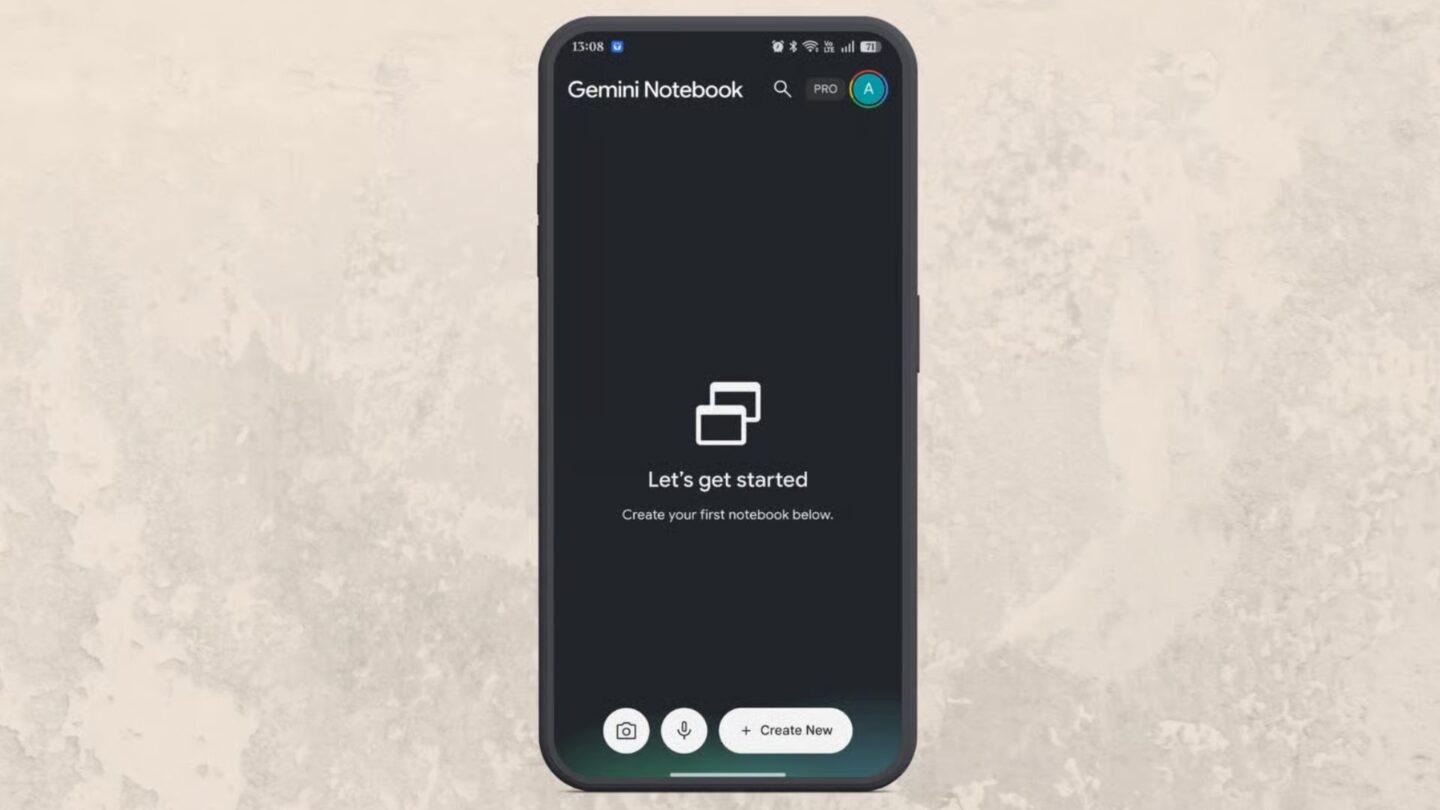
Google has introduced a built-in audio recording feature in the Gemini Notebook mobile app, letting users capture lectures, meetings, and personal ideas directly in their notebooks. The update removes the need to record audio in a separate application and manually upload the resulting file before using it as a source.
The feature makes it easier to collect information where it will be organised and analysed. Students can record classroom discussions, while professionals can capture team meetings without interrupting their workflow. Users can also record their own thoughts and explanations, creating a source they can revisit later when developing ideas or reviewing information.
Google announced the update on X, highlighting classroom lectures and team meetings as potential uses. The addition builds on Gemini Notebook’s existing ability to work with collected information, letting users ask questions about recorded discussions and explore the material with the app’s AI-powered tools.
🚨 MAJOR MOBILE FEATURE 🚨 You can now record up to 1 hour of live audio directly in the mobile app. Capture lectures, team meetings, or your latest mad scientist rants and instantly use them as sources. Pro tip: Combine your live audio recordings with photos of your handwritten notes to create the ultimate personalized workspace
— Gemini Notebook (@Gemini_Notebook) October 27, 2026
Recording audio directly within Gemini Notebook
The built-in recorder lets users start capturing audio without leaving the mobile app. The interface shows the elapsed recording time and includes a pause button, letting users temporarily stop recording without ending the session. Once the recording is complete, the captured audio becomes a source within the notebook.
Keeping the recording process in the same application simplifies collecting and organising information. Previously, users who recorded a lecture or meeting elsewhere had to locate the audio file and upload it to their notebook. With the new feature, that extra transfer is no longer necessary, making it easier to add spoken information to an existing collection of research materials.
After adding a recording, users can ask questions about its contents. For example, someone reviewing a business meeting could ask which decisions were reached, what tasks were discussed or which questions remained unanswered. A student could use a lecture recording to revisit an explanation or identify a topic that needs further study.
The answers can help users navigate lengthy discussions without having to listen to the entire recording again. However, users should still check AI-generated responses against the original material, especially when the information concerns important decisions, specific instructions, or details that must be communicated accurately to others.
The recorder can also support personal note-taking. Users can explain an idea aloud and keep the recording in their notebook. This approach provides another way to capture thoughts before they are forgotten, while keeping the material available for later examination and organisation.
Combining recordings with handwritten notes and images
Audio is not always enough to capture every detail of a lesson or discussion. For instance, in a classroom, a teacher might refer to an equation on the board without reading every symbol aloud. A recording could preserve the explanation, but it might not contain enough information to reconstruct the complete formula.
Gemini Notebook can also work with photographs of handwritten notes, allowing users to combine visual information with recorded explanations. A student could photograph an equation during a lesson and keep the image alongside the lecturer’s explanation. This creates a more complete collection of material than either the recording or the handwritten notes might provide on its own.
The combination could be useful for subjects that rely on diagrams, formulas, charts or other visual references. When reviewing the material later, a student could ask how the recorded explanation relates to the equation in the photograph. The notebook could then help connect the two sources, although the student would still need to verify the answer against the original notes and lesson.
The same approach may benefit professionals who need to preserve information from presentations or collaborative discussions. For example, a photograph of a whiteboard could provide context for a conversation about a project, while the recording preserves the explanations and decisions made during the meeting.
Bringing different types of information together also gives users more flexibility when reviewing a topic. Instead of relying on memory or searching through separate files, they can consult relevant sources in one place and ask questions about the material they have collected.
However, the usefulness of the results depends on the quality and completeness of the sources. Poor-quality audio, unclear handwriting or missing visual details could make it harder to interpret the information correctly. Users should therefore treat the notebook as a tool for organising and exploring material rather than an unquestionable source of truth.
One-hour recording limit requires some planning
The built-in recorder has a maximum recording duration of one hour per session. This should be sufficient for many meetings and shorter classes, but users attending longer lectures or extended discussions will need to plan how they capture the material.
For sessions expected to last longer than an hour, a practical approach is to split the recording into separate sessions at suitable breaks. This can help keep the material organised and reduce the risk of losing important information when the recording limit is reached. Users should also consider how they will arrange separate recordings within their notebooks to make them easier to find and review.
Testing the feature before relying on it for an important event is another sensible precaution. A short recording can help users become familiar with the controls and confirm that the captured audio appears as a source in the notebook. Checking the result beforehand may help prevent problems during a lecture, interview or business meeting.
The one-hour restriction also means users should stay aware of the elapsed time, especially when recording discussions with no fixed end point. The pause control offers some flexibility, but it does not remove the need to manage longer sessions carefully.
Despite this limitation, the addition reduces the number of steps needed to bring spoken information into Gemini Notebook. By combining direct recording with the ability to query collected sources and incorporate handwritten notes, Google is making the mobile app more practical for study, research and meeting preparation.
The update gives users a more direct way to turn live discussions and personal explanations into material they can revisit. For those who regularly work with lectures, meetings, or research notes, recording in the notebook could make gathering information easier while keeping related resources together.