


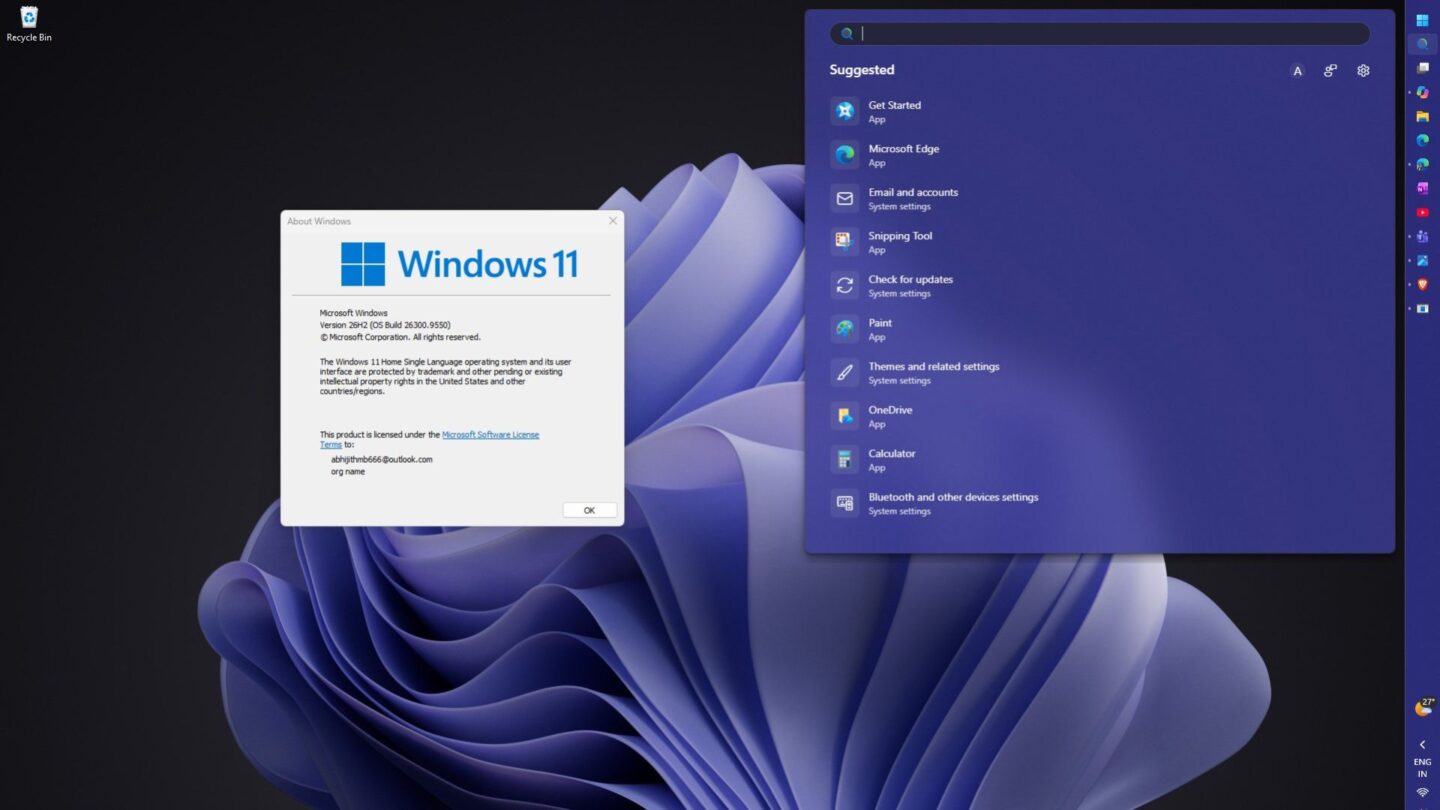
Microsoft has introduced a dedicated Installation Assistant for Windows 11 26H2, giving users another official way to upgrade existing PCs without carrying out a clean installation. The new tool is available through the Microsoft Download Centre and is designed to simplify the process for people who want to move to the latest version while keeping their current setup.
The addition gives users more flexibility alongside Microsoft’s existing upgrade methods. Instead of navigating the standard Windows 11 download process or creating installation media, users can run the assistant directly on a compatible PC and let it manage the upgrade.
Windows 11 26H2 Installation Assistant simplifies the upgrade process
The new Installation Assistant is intended to make upgrading straightforward. After launching the application, users need to accept Microsoft’s licence terms before the tool begins downloading the necessary Windows 11 26H2 files from Microsoft’s servers. The assistant then handles the installation process.
One of its main advantages is that it is designed as an in-place upgrade rather than a clean installation. Existing applications, personal files, and system settings are retained, so users don’t have to erase their computers before moving to the newer Windows release.
This approach could be particularly useful for people who want to update an existing Windows 11 installation without going through the more involved process of creating installation media. It also provides another official route to the update if users encounter problems with the standard Windows Update process or Microsoft’s main software download page.
As with any major operating system update, users should still back up important files before starting the installation. While the assistant is designed to preserve existing data, having a current backup provides additional protection if an unexpected problem occurs during the upgrade.
Microsoft continues to offer several upgrade methods
The Installation Assistant is not replacing Microsoft’s other Windows 11 26H2 installation options. Users with PCs running a supported version of Windows 11 may also receive the KB5121794 enablement package, which provides a quicker route to the new release on eligible systems.
The enablement package works differently from a full operating system installation. For compatible systems, it can activate the features associated with Windows 11 26H2 without requiring the same full installation process. This makes it a convenient option for computers that already meet Microsoft’s requirements.
Microsoft is also providing official Windows 11 26H2 ISO images in both AMD64 and Arm64 versions. These files offer greater flexibility for users who need to perform different types of installation. You can use an ISO to upgrade an existing Windows installation, create bootable USB installation media, or perform a clean installation.
The ISO option can also help repair a Windows installation that has developed serious problems. However, unlike an in-place upgrade through the Installation Assistant, a clean installation can remove existing applications, settings and files depending on how the installation is carried out.
The Media Creation Tool remains another option for users who prefer to create bootable installation media. It can prepare a USB drive to install Windows or, in certain situations, upgrade the computer directly. With several methods now available, users can choose the approach that best suits their technical experience and installation requirements.
Windows 11 26H2 also brings performance and security changes
Beyond the installation process, Windows 11 26H2 includes new features, security improvements and changes to the underlying platform. For users who have delayed upgrading, the release could therefore offer more than access to the latest Windows features.
Performance may also matter. Early testing suggests the update can reduce memory usage by as much as 2GB on some systems. Results vary by configuration, and computers with 8GB of RAM may see different changes than machines with more memory.
Lower memory consumption could be beneficial on older or less powerful PCs, particularly for users who regularly run multiple applications or browser tabs at the same time. However, the reported improvements should not be treated as a guarantee that every computer will see the same reduction in RAM usage.
For users whose computers already meet Microsoft’s compatibility requirements, the new Installation Assistant provides a convenient additional route to Windows 11 26H2. Those who want to preserve their applications, files and settings can use the in-place upgrade approach. At the same time, more advanced users can continue to rely on ISO files or the Media Creation Tool for greater control over the installation.