

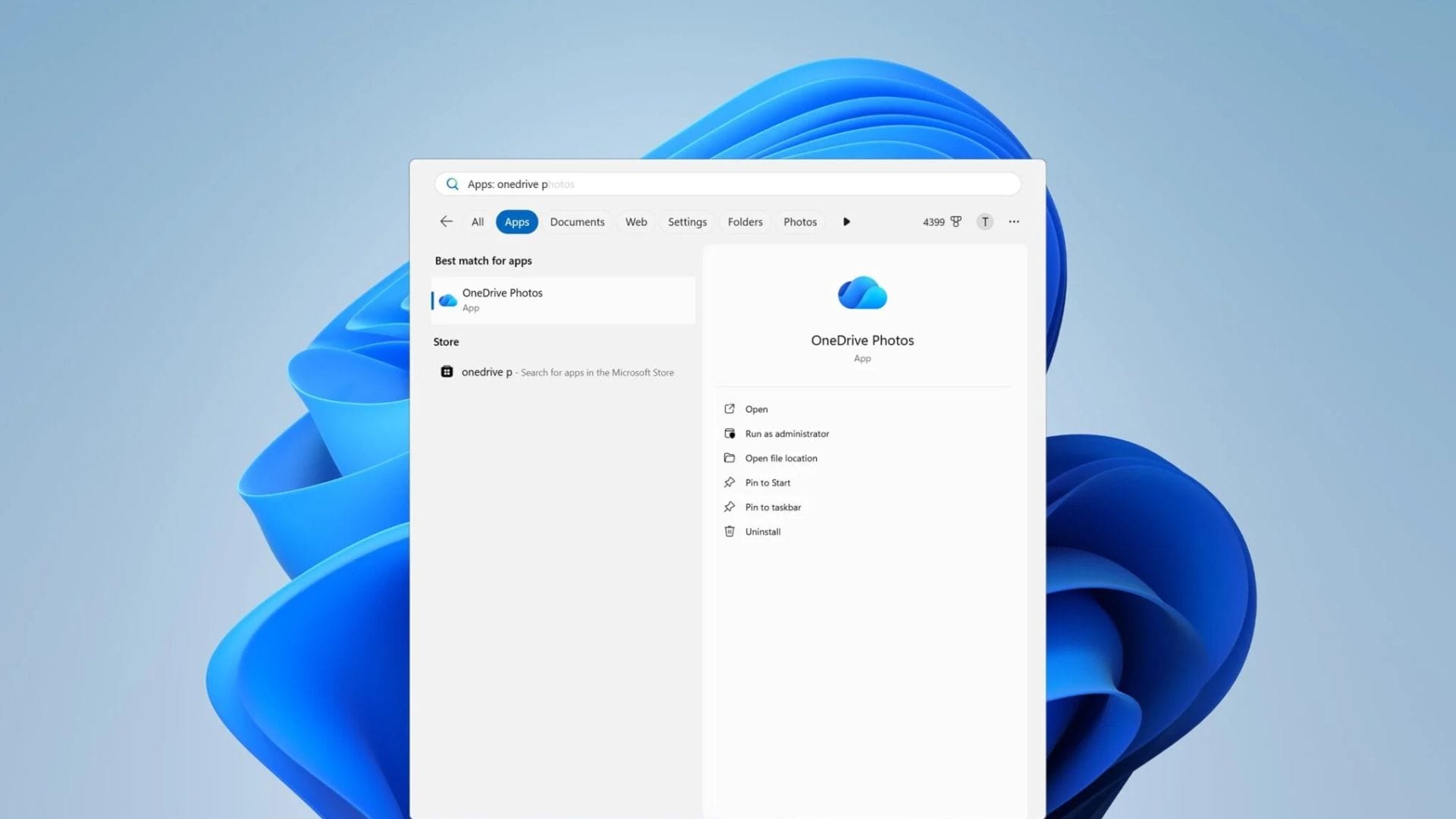
Microsoft has confirmed that it accidentally installed its OneDrive Photos app on more Windows 11 computers than intended, including some enterprise devices where the software is not currently designed to operate. The company is now working on a fix, but users who do not want the application face an awkward problem: Windows does not currently provide an easy way to remove OneDrive Photos without also uninstalling the main OneDrive client.
The unexpected rollout has raised concerns among Windows users who found an additional application appearing on their computers without their having actively requested it. The situation is particularly inconvenient for people who rely on OneDrive to synchronise files, as removing the main client also removes features unrelated to the Photos experience.
Microsoft has acknowledged the wider-than-planned distribution and said changes are being developed to give users more control over the application. Until those changes arrive, however, removing OneDrive Photos may also mean sacrificing the main OneDrive software.
OneDrive Photos reaches more Windows PCs than planned
OneDrive Photos is not a completely new service from Microsoft. The company began testing the application with Windows Insiders earlier in the year, and the software remains in beta. From 1 August, however, it began appearing more widely on consumer Windows 11 computers, particularly on systems that already had the OneDrive synchronisation client installed.
The application is designed to bring Microsoft’s OneDrive photo experience to Windows desktops. It can show images stored on a computer alongside photographs saved in OneDrive. Users can browse their collections, search for pictures, create and view albums, mark images as favourites and use Microsoft’s Moments feature.
The software also relies on Microsoft Edge’s WebView2 technology. This means much of the interface is effectively a web-based experience packaged as a desktop application rather than a completely independent native Windows programme.
The unexpected distribution became more significant when OneDrive Photos was also found on Windows 11 Enterprise machines managed through Microsoft’s Intune service. The application is intended for use with personal Microsoft accounts, making its appearance on business-managed systems particularly unexpected.
Microsoft told Windows Latest that the OneDrive Photos experience had been rolled out more broadly than intended and that the company was working on a solution. The application is also not provided as a separate MSI installer. Instead, the existing OneDrive synchronisation client can download and install OneDrive Photos in the background.
Users currently have few options to remove the app
The biggest issue for Windows 11 users is that OneDrive Photos is currently linked to the main OneDrive client. As a result, Windows does not provide a separate uninstall option for the Photos application through its normal installed-app settings.
For users who want to remove OneDrive Photos immediately, the most straightforward option is to uninstall the OneDrive client entirely via Settings > Apps > Installed apps. The computer can then be restarted to complete the process.
However, that approach is not practical for people who continue to depend on OneDrive. The main client provides file synchronisation and integration with Windows File Explorer, including access to OneDrive folders and related shortcuts. Removing the entire application simply because of the unwanted Photos component can therefore create additional inconvenience.
The issue is also complicated by reports that OneDrive Photos can access photographs stored on a Windows PC even when the user has not signed into a Microsoft account. Windows Latest reported that users can prevent OneDrive from scanning particular locations, giving them some control over which folders are included.
For users concerned about privacy or simply uninterested in the new photo application, the lack of a dedicated uninstall option makes the situation more frustrating. Rather than being able to remove a single unwanted component, users must currently choose between keeping the application and losing the broader OneDrive client.
Microsoft is preparing separate controls
Microsoft has said the current situation is temporary and that it is working on changes to give users greater control over OneDrive Photos. The company plans to allow the Photos application to be removed separately from the main OneDrive client, thereby avoiding the need for users to give up file synchronisation to remove the additional app.
The company has also indicated that OneDrive Photos will be removed automatically from enterprise PCs managed through Intune where the application is not supported. This should address some of the concerns caused by the software appearing on business machines that were not intended to receive it.
There is no indication in the supplied information of a specific date for when the separate removal controls will become available. Until Microsoft implements the changes, Windows 11 users who encounter OneDrive Photos may have to leave it installed or remove the entire OneDrive client.
The incident highlights a broader issue with Microsoft’s approach to adding new Windows experiences through existing applications. While OneDrive Photos is intended to provide a more integrated way to manage pictures, its unexpected arrival has made the feature feel less like an optional addition and more like software that users were given without their consent.
For people who already use OneDrive, the distinction between the main synchronisation client and the new Photos experience is especially important. Microsoft will need to provide clearer controls before users can decide independently whether the additional application is useful to them.