


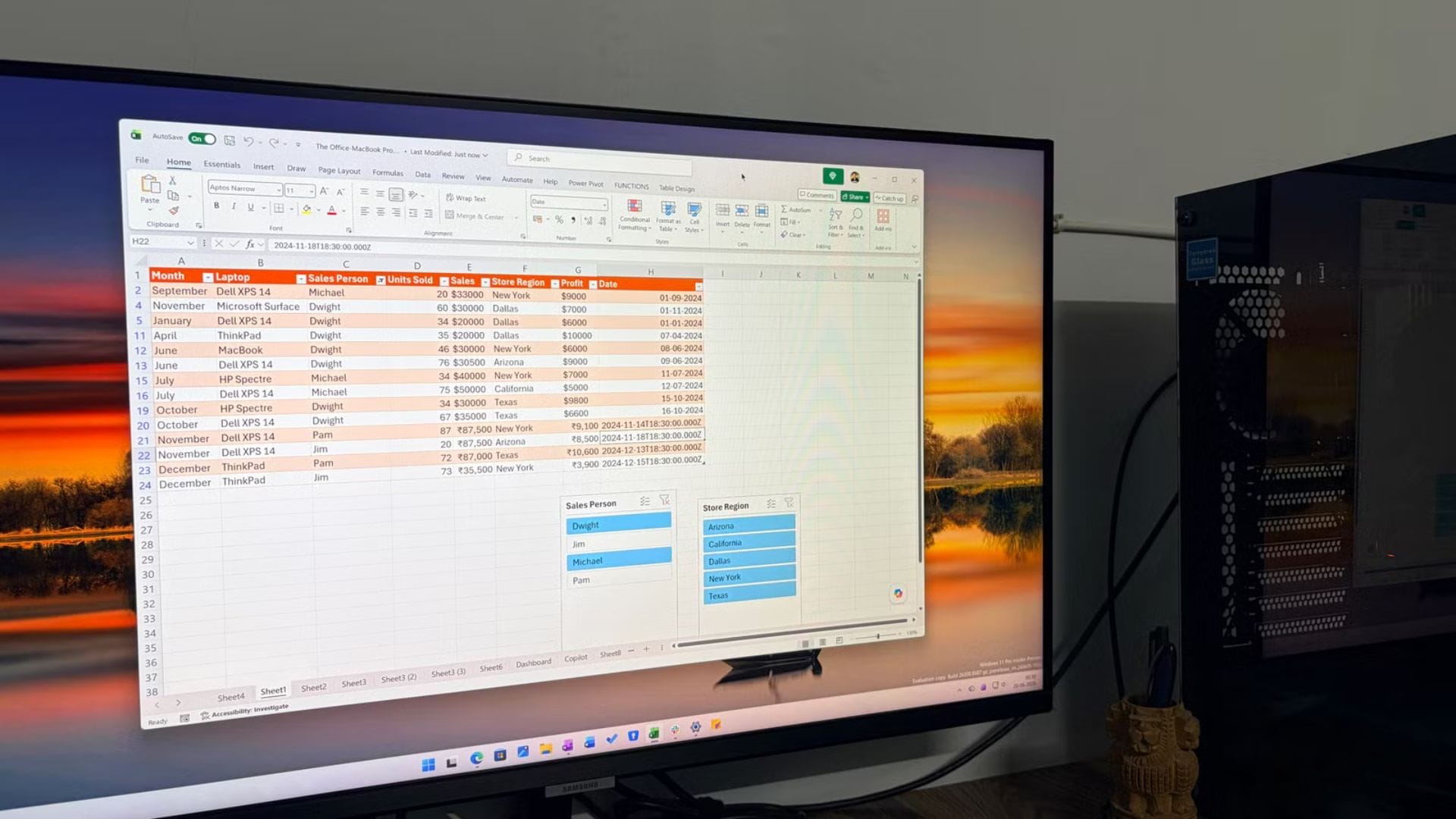
Microsoft is discontinuing the Copilot function in Excel less than a year after announcing it, ending a feature that never reached a full public launch. The company has told users that it will remove the function from the spreadsheet application on 14 September 2026 as part of broader changes to its Copilot platform.
The decision was outlined in a Microsoft 365 Message Centre alert, which informed users about the upcoming retirement. The function had been available to selected users through Microsoft’s Frontier and Insider programmes while the company tested how it could bring generative AI directly into Excel formulas. Its removal suggests Microsoft has concluded that other Copilot interfaces can deliver the same capabilities more usefully.
Microsoft ends testing of Excel’s dedicated Copilot function
Microsoft first announced the COPILOT function in August 2025, with a wider launch originally expected in January 2027. The feature was designed to let users interact with Copilot directly inside an Excel formula rather than opening a separate Copilot window. Users could describe what they wanted in natural language and receive AI-generated results directly in cells.
The function was intended to support a range of tasks involving text and unstructured information. Microsoft highlighted uses including summarising customer feedback, classifying information, generating content and incorporating external knowledge. The feature could also help with formatting and other spreadsheet-related tasks where a natural-language instruction could replace a series of manual steps.
A basic example of the function used a formula such as =COPILOT(prompt_part1, [context1]), with the context element being optional. This allowed a prompt to be combined with information supplied to the function, potentially making it easier to work with specific data within a spreadsheet.
However, Microsoft placed important limits on how the feature should be used. The company advised against relying on the function for numerical calculations, even though calculations are one of the most common reasons people use spreadsheets. It also advised users not to use it to retrieve information already contained in a workbook. Restrictions were also highlighted around certain content and information-gathering tasks because of legal and compliance considerations.
Other Copilot tools make the function less necessary
Microsoft’s decision to retire the function does not mean that Copilot is being removed from Excel. Instead, the company says users will still be able to access AI assistance through other parts of the application, including the Copilot side panel and the floating Dynamic Action Button, or DAB.
The company believes these existing interfaces offer more effective ways to access Copilot’s capabilities. That makes a dedicated worksheet function less important, particularly if users can already ask Copilot to analyse information, generate content or assist with spreadsheet tasks without placing an AI formula directly into a cell.
The change also reflects how Microsoft has been adjusting its AI strategy as it receives user feedback. The COPILOT function was an attempt to make generative AI behave more like a conventional Excel formula, but its limitations may have made it less practical for broader use.
For users who incorporated the experimental function into their workbooks, the retirement date will matter. Once the function is removed on 14 September, formulas relying on it will no longer provide the same functionality. Microsoft is instead directing users towards the other Copilot experiences that remain available within Excel.
The decision comes relatively soon after the function entered testing, particularly given that Microsoft had originally indicated a January 2027 launch. Its cancellation before that planned date suggests the company is willing to change direction as it evaluates how people actually use AI features in its productivity applications.
Excel continues its shift towards AI-powered financial tools
The retirement of the COPILOT function comes as Microsoft continues to expand and reshape the role of AI in Excel. Rather than treating generative AI as a single formula-based feature, the company is increasingly positioning Copilot as an integrated assistant that can help with more complex spreadsheet workflows.
One area receiving particular attention is finance. Microsoft has been developing Copilot capabilities for finance professionals, with Excel positioned as a tool for AI-assisted financial modelling, forecasting, and reporting. These functions are intended to make it easier for users to work with financial data while reducing some of the manual effort involved in building and analysing spreadsheets.
The focus on finance also highlights a broader shift in Microsoft’s approach. Instead of simply adding AI features to existing functions, the company is attempting to make Copilot useful across complete workflows. For professional users, that could mean using AI to help analyse data, identify patterns, build forecasts and prepare reports within the same environment.
Microsoft’s decision to discontinue COPILOT therefore appears to be more of a change in implementation than a retreat from AI in Excel. The company continues to invest heavily in Copilot. Still, it is moving away from a standalone formula that had remained in testing and towards interfaces that it believes can deliver greater value.
For Excel users, the immediate impact is limited to the experimental function itself. Copilot will remain available through other tools within the application, while Microsoft’s wider AI development continues to focus on features designed around practical workplace tasks. The removal of COPILOT marks the end of one experiment, but not Microsoft’s broader push to make Excel an increasingly AI-assisted productivity and financial tool.