


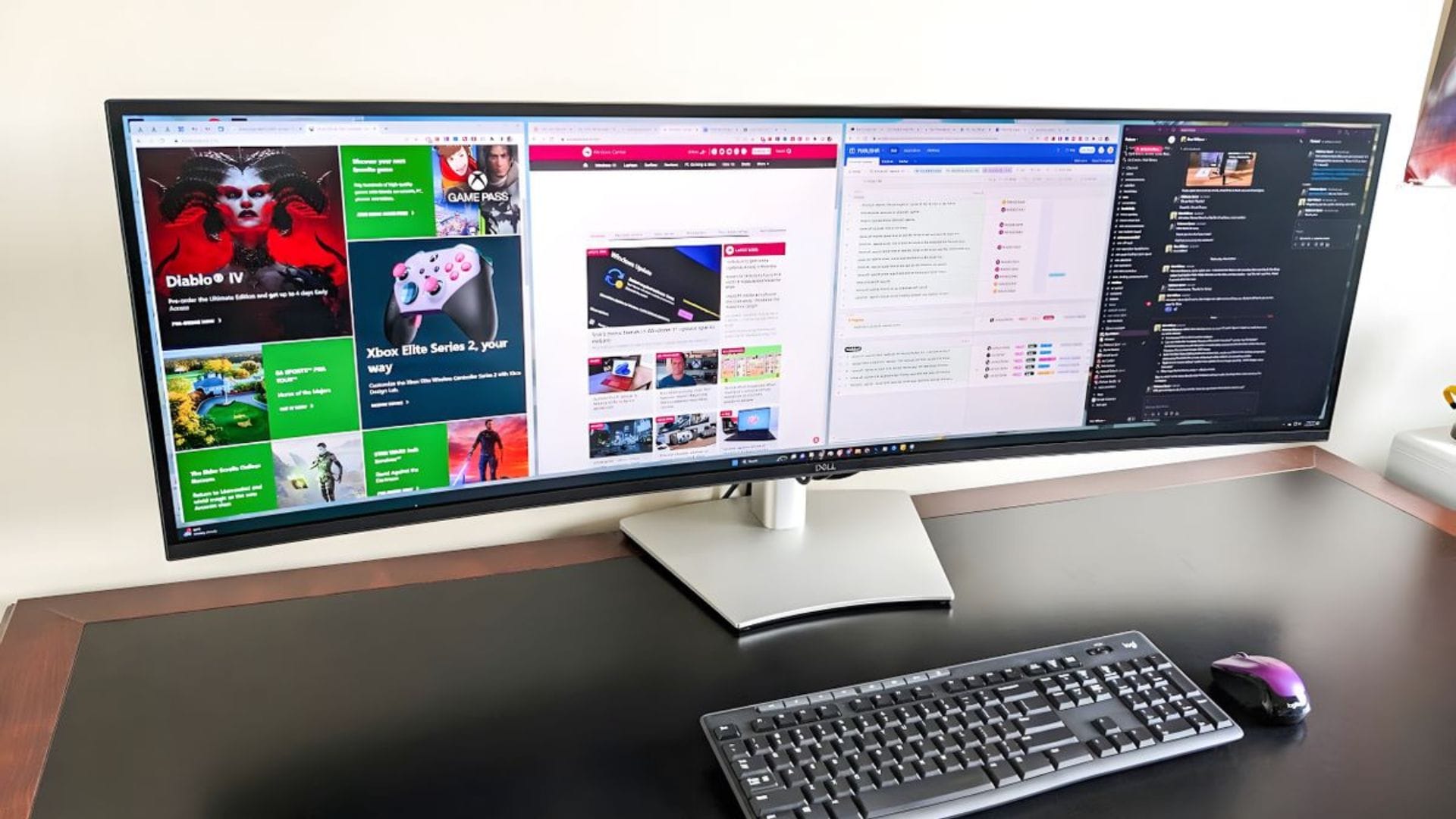
Microsoft has released version 0.98.0 of its PowerToys suite, introducing a series of upgrades to improve productivity and usability for Windows users. The update delivers three main enhancements, including a redesigned Keyboard Manager, a new Command Palette Dock, and improvements to the CursorWrap feature for multi-monitor setups.
The latest release continues Microsoft’s efforts to refine PowerToys into a flexible toolkit for power users, focusing on simplifying workflows and reducing friction in everyday computing tasks. Each new feature is designed to address common user pain points, particularly around customisation and navigation.
Rebuilt keyboard manager streamlines controls
The updated Keyboard Manager is available as a preview feature and has been completely rebuilt using WinUI 3, offering a more modern, cohesive interface. Previously, users had to switch between separate windows to manage key remapping and shortcut configurations. With this update, both functions are now combined into a single interface, making the experience more straightforward.
Users can now manage all remapping tasks in one place, reducing the complexity involved in configuring custom shortcuts. The redesigned layout aims to improve clarity, especially for those who frequently adjust keyboard settings for productivity or accessibility purposes.
In addition to the visual overhaul, the new Keyboard Manager introduces more flexible controls. Individual toggle switches allow users to turn on or off specific remaps without removing them entirely. This means configurations can be preserved and reactivated when needed, offering greater convenience.
A new keyboard shortcut, Win + Shift + K, has also been added, allowing users to turn the Keyboard Manager on or off quickly. This provides an efficient way to switch between customised and default keyboard behaviours without navigating through menus.
Command palette dock offers faster access
Another notable addition in this release is the Command Palette Dock, which is also available as a preview feature. The dock provides persistent access to frequently used commands, applications, and extensions by anchoring itself to any edge of the screen.
Users can position the dock at the top, bottom, left, or right side of the display, depending on their preference. This flexibility ensures it fits seamlessly into different workflows and screen layouts, particularly for those who rely on quick access to tools.
The dock eliminates the need to repeatedly open the full command palette, saving time and reducing interruptions. Instead, commonly used items can be accessed instantly, improving overall efficiency for daily tasks.
Customisation is also a key part of the feature. Users can rearrange or remove items directly from the dock with a simple right-click action. This allows individuals to tailor the interface to their specific needs, ensuring that only relevant tools are readily available.
CursorWrap update enhances multi-monitor navigation
The update also brings significant improvements to the CursorWrap feature, which is designed for users working across multiple monitors. CursorWrap lets the mouse pointer move seamlessly between screens by wrapping around the edges rather than abruptly stopping.
With version 0.98.0, Microsoft has refined this functionality to make transitions between displays smoother and more predictable. This is particularly useful for users with complex multi-monitor setups, where navigating across screens can sometimes feel disjointed.
The improved experience aims to reduce the effort required to move the cursor across large desktop spaces. By making pointer movement more fluid, the feature supports faster navigation and helps users maintain focus during tasks that involve multiple windows or applications.
These enhancements reflect Microsoft’s broader goal of improving usability for advanced setups, where efficiency gains can have a noticeable impact on productivity. The update ensures that PowerToys continues to evolve in response to user feedback and changing work habits.
Overall, the latest PowerToys release introduces practical upgrades that focus on ease of use, flexibility, and performance. While some features remain in preview, they offer a clear indication of the direction Microsoft is taking to refine its productivity tools.