


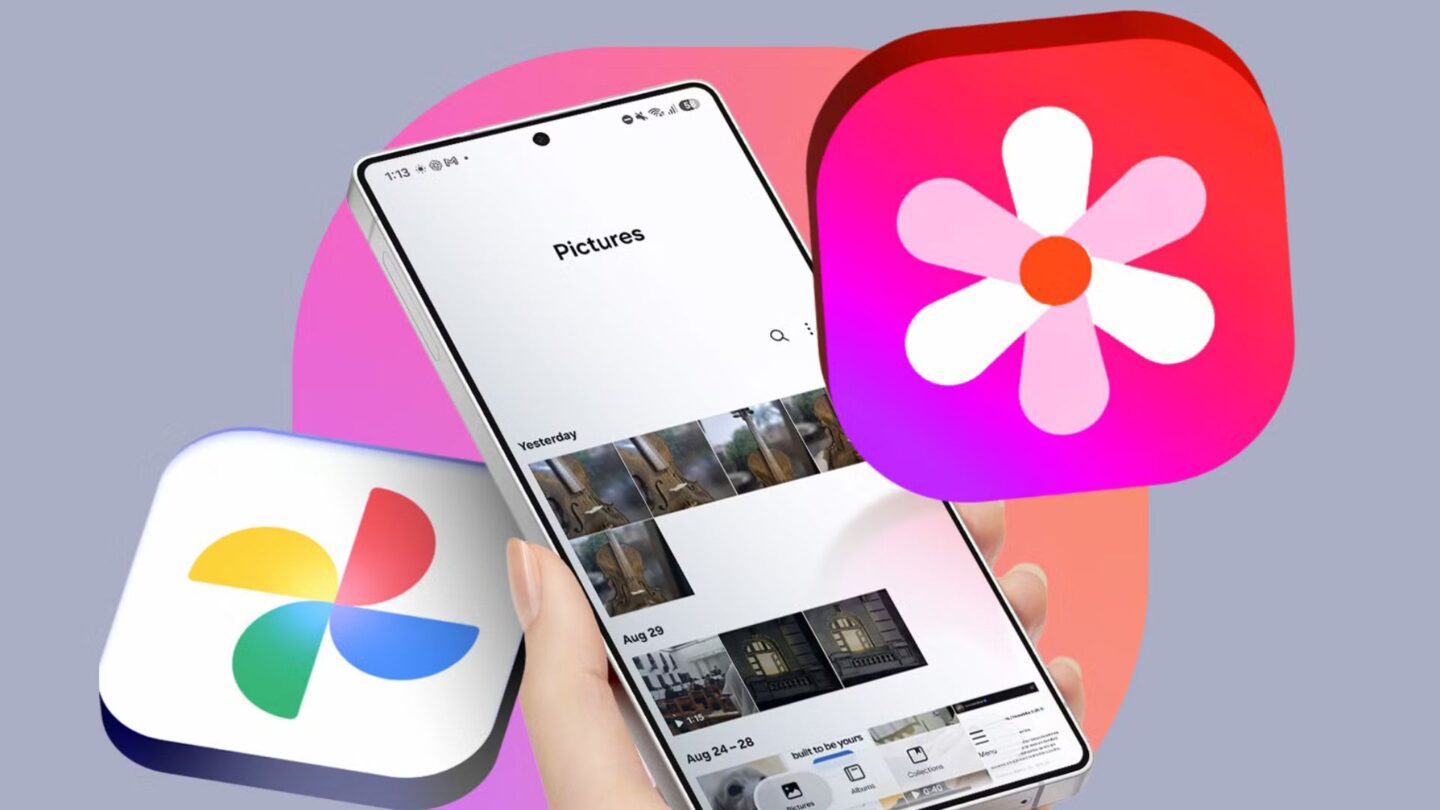
Samsung has introduced a new feature that lets users sync photos and videos from its native Gallery app directly to their Google accounts. The update gives Galaxy users another way to back up their media without relying on Google Photos as a separate app.
The move follows Samsung’s decision to remove Microsoft OneDrive synchronisation from its Gallery app in September. The latest development suggests the company has been working on an alternative cloud storage partnership to give users a more convenient way to manage their media.
Previously, Samsung Galaxy owners who wanted to back up photos and videos to Google storage had to use Google Photos, either alongside or instead of the phone’s built-in Gallery app. The new integration changes this by letting users manage their photo backups through Samsung’s existing app.
Samsung brings Google cloud synchronisation to Gallery
The new feature connects Samsung Gallery directly to a user’s Google account, allowing photos and videos to be synchronised with Google storage. This means Galaxy owners can keep using Samsung’s native Gallery interface while backing up their media online.
The integration is currently available on selected Galaxy devices running One UI 9, Samsung’s latest customised Android interface. However, the company has confirmed that availability will expand to additional devices in phases. This means users with older or currently unsupported Galaxy models may need to wait before accessing the feature.
To activate the service, users can open the Gallery app and tap the Cloud icon. Alternatively, they can navigate to Gallery Settings and enable the Sync photos and videos option. Once activated, the application will begin synchronising supported media files with the connected Google account.
The update also gives Samsung users another option to manage their digital content without switching between applications. Instead of relying entirely on Google Photos for cloud backups, they can continue browsing and organising their media through Samsung Gallery.
The change could make photo management more straightforward, particularly for users who prefer Samsung’s built-in interface but rely on Google’s cloud storage services. It also provides an alternative following the removal of the previous OneDrive integration.
Synced photos can be accessed across Galaxy devices
One of the main benefits of the new integration is accessing synchronised photos and videos across multiple Samsung Galaxy devices. Users who sign in to the same Google account on another supported Galaxy phone or tablet can enable Gallery synchronisation to view their backed-up media.
Once synchronisation is enabled, previews of the photos and videos stored in the Google account will appear in the Gallery app on the second device. Users who want to access the original files can select the relevant media and download it directly to their device.
This arrangement gives more flexibility to people who use more than one Samsung device. For example, someone using both a Galaxy smartphone and a Galaxy tablet can browse their synchronised photo collection without manually transferring files between the two devices.
Samsung has also introduced a Free up space option within the Sync photos and videos settings. This feature is designed for users who want to reduce the storage space photos and videos take up on their phones or tablets.
When activated, the option removes the original media files from the device after synchronising them with Google storage. However, their thumbnails remain visible in the Gallery app, allowing users to browse their collections without keeping every original file stored locally.
Users who need the original versions can download them again when required. This could be particularly useful for people with limited device storage or those who regularly take large numbers of photos and videos.
The feature balances keeping a visible media library with reducing local storage use. However, users should ensure their files have successfully synchronised before removing local copies, particularly when dealing with important photos and videos.
Google storage limits and subscription costs apply
Although the new Gallery integration provides a more convenient backup option, users should know that synchronised media will count toward their available Google account storage. The feature does not provide additional free storage beyond the allowance already associated with their account.
Google accounts include 5GB of free storage by default. Users may be able to increase this allowance to 15GB by verifying a valid phone number, though eligibility and availability may vary by account and region.
Available storage is shared across Google’s services, including Google Drive, Gmail, and Google Photos. This means photos and videos uploaded through Samsung Gallery count toward the same storage limit used by other Google apps.
For users who need additional capacity, Google offers paid storage plans through its Google One subscription service. Pricing starts at US$2 per month for 100GB of storage, while the 200GB plan costs US$3 per month.
These options may suit Galaxy owners who regularly back up large photo and video collections or use multiple Google services. However, users should consider their existing storage usage before choosing a subscription.
Samsung’s new integration gives Galaxy owners more flexibility in managing their media while maintaining access to Google’s cloud storage. Although the feature is currently limited to selected devices running One UI 9, its planned expansion could make it a useful addition for more Samsung users in the coming months.