

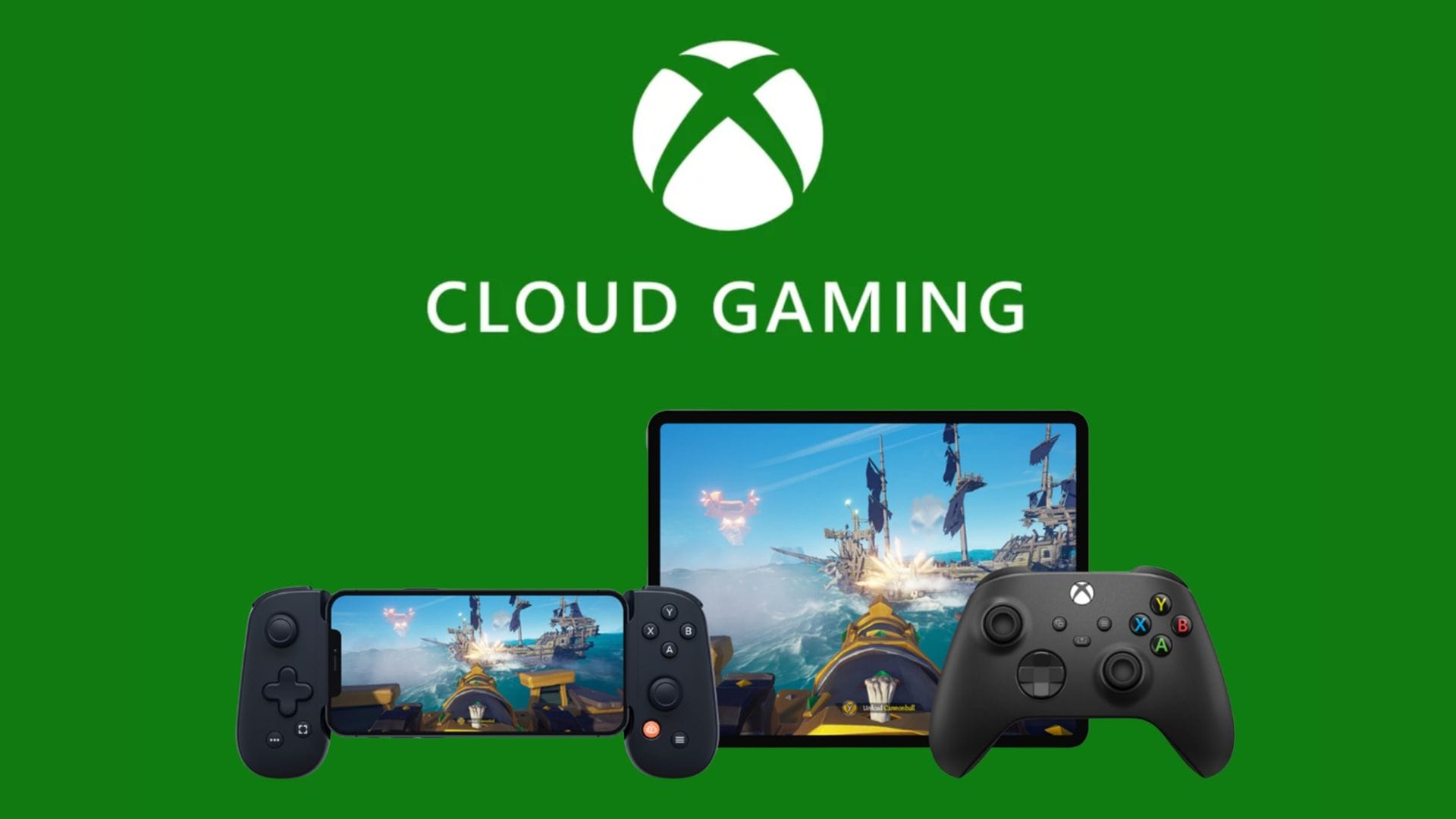
Microsoft has begun testing a redesigned web interface for Xbox Cloud Gaming that brings the service closer to the look and feel of a traditional Xbox console. The update is being trialled with Xbox Insiders. It introduces a range of visual and navigation changes to make cloud gaming feel less like a website and more like a native console experience.
The refreshed design signals more than a routine visual update. By aligning the web interface more closely with the Xbox dashboard, Microsoft is offering an early glimpse of how future Xbox software experiences could evolve across devices. While the company has not confirmed any direct link to upcoming consoles, the changes suggest a broader strategy focused on consistency and familiarity.
The new interface is currently available as a preview and is limited to web browsers. Microsoft says it is using this testing phase to gather feedback before making the design available to all users in the coming months.
A more console-like look for cloud gaming
The updated Xbox Cloud Gaming interface builds on a redesign introduced almost two years ago, when Microsoft added social features and layout elements commonly found on Xbox consoles. That earlier update helped bridge the gap between web and console experiences, but the service still retained many traits of a typical web application.
With the latest refresh, Microsoft has taken that idea further. The interface now uses rounded visual elements and a reorganised layout that more closely mirrors the structure of the Xbox dashboard. A new library section makes it easier for players to browse available games, while the overall design language feels more unified and modern.
This approach reflects Microsoft’s wider push to make Xbox a platform that works consistently across consoles, PCs and cloud-based services. By giving cloud gaming users an interface that feels familiar to console players, the company may be aiming to reduce friction for those switching between devices. The changes also underline the growing importance of cloud gaming within the Xbox ecosystem.
Animations and navigation take centre stage
One of the most noticeable aspects of the new design is the use of animation. The interface now includes a sliding dashboard that smoothly slides into view, replacing the more static transitions of the previous version. An animated Xbox icon lights up and changes shape, adding a sense of motion that is closer to what players expect from a console.
Navigation between service sections has also been refined. Moving through menus feels more fluid, with fewer moments where pages appear to reload. This is a significant shift from the current experience, which can feel like separate web pages loading rather than a single, connected interface.
These changes may appear subtle, but they have a clear impact on usability. Smoother transitions help reduce the sense of delay and make the service feel more responsive, even though it is still accessed through a browser. For cloud gaming, where performance and responsiveness are closely linked to user satisfaction, these improvements could make a meaningful difference.
Testing, feedback and what comes next
Microsoft has been clear that the refreshed interface is still a work in progress. According to Patrick Siu, principal product manager at Xbox, the preview is intended to support future development. “We’re testing a refreshed web experience for Xbox Cloud Gaming that lays the foundation for accelerating our ability to build new experiences for players,” he says. “This preview is a first look at our new web interface on your browser and lets you try the updated design and product flow before it is rolled out broadly.”
The reference to laying a foundation for new experiences has fuelled speculation that the design could influence future Xbox console interfaces. While Microsoft has not confirmed such plans, the close resemblance to the console dashboard suggests the company is exploring ways to unify its software design across platforms.
For now, Microsoft is focused on gathering user feedback. Xbox Insiders who want to try the new interface can visit play.xbox.com and enable preview features in the settings menu. The company says it will use this feedback to refine the experience before making it available to a wider audience, potentially setting the tone for the next phase of Xbox’s user interface strategy.