

Microsoft has issued an unusual public warning advising some users to uninstall the latest Windows 11 security update after reports of serious system and application problems. The January 2026 update, known as KB5074109, began rolling out automatically on 13 January and was intended to deliver a wide range of security fixes.
Instead, the update has caused significant disruption for many users, prompting Microsoft to publish official guidance acknowledging the issues. Affected systems were upgraded to OS Build 26200.7623 or similar versions, with users reporting issues that make everyday tasks difficult or, in some cases, impossible.
The problems have been widely discussed on support forums and social media, placing Microsoft in the rare position of suggesting that users reverse a security update. While the company has previously acknowledged buggy patches, it is uncommon for it to recommend uninstalling a monthly update as a temporary solution directly.
Outlook is not working.
— 喘息登山者 (@hapico0109) January 20, 2026
KB5074109 This is the cause.
Microsoft, do something about it.#Microsoft
Microsoft issues rare rollback advice
Microsoft’s advisory follows a pattern of complaints linked to KB5074109. According to the company, some users may experience severe stability issues after installing the update, leading to system freezes and application failures. The scale of the reports appears to have pushed Microsoft to take the unusual step of publicly outlining how to remove the update.
In its guidance, Microsoft explains that users encountering serious problems may need to roll back the update while it investigates the root cause. The company has also suggested temporary alternatives, such as using web-based services instead of affected desktop applications, until a permanent fix is released.
This approach marks a departure from Microsoft’s usual stance on security patches. Typically, users are encouraged to keep systems fully updated to reduce exposure to threats. Advising removal highlights the severity of the issues and their impact on productivity.
Outlook and cloud-related problems affect users
The most significant issues affect users of Outlook Classic, particularly those relying on POP email accounts or local PST files. Problems are most common when those files are stored in cloud-synchronised folders such as OneDrive. Users report that Outlook may freeze, display a “Not Responding” message, or fail to close properly.
Some users have also experienced repeated email downloads, which can significantly increase data usage and make the application effectively unusable. For professionals who depend on Outlook Classic for daily communication, the issue has caused major disruption.
Beyond Outlook, the update has triggered a range of other system-level problems. Reports include black screens during or after login, desktop settings being reset, and File Explorer customisations no longer working as expected. Applications attempting to access cloud storage services such as OneDrive or Dropbox may also freeze or crash.
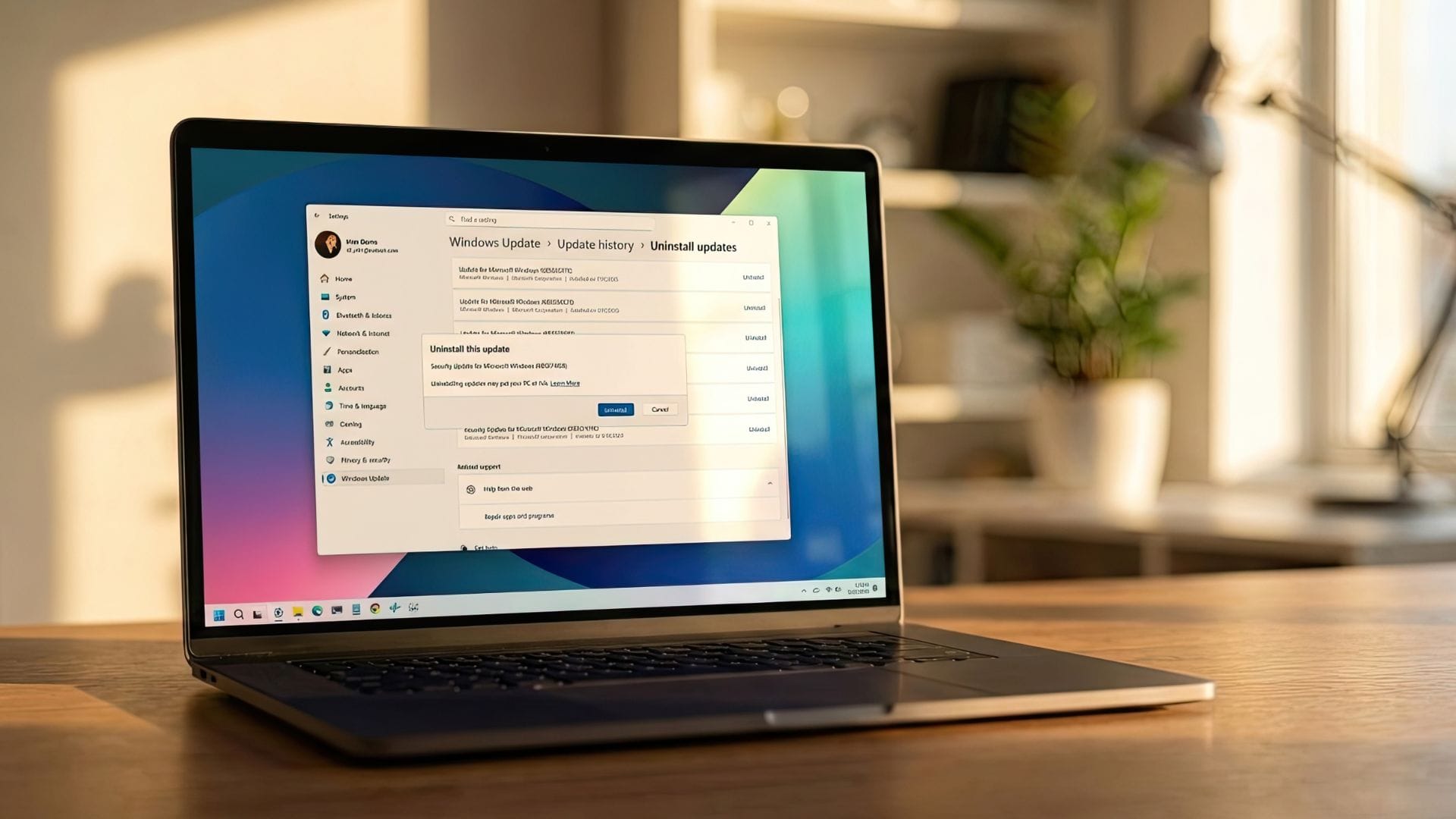
Microsoft’s support document recommends several workarounds. These include moving PST files out of cloud folders and switching to Outlook webmail instead of the desktop client. If these measures fail, users are advised to uninstall the update through the Windows Update settings.
Security concerns and next steps for Windows 11
While uninstalling KB5074109 may restore stability, Microsoft has warned that doing so could expose systems to security risks. The January 2026 update included more than 100 security fixes to address vulnerabilities that could be exploited if left unpatched.
This has left users balancing system reliability against security protection. For some, especially businesses and professionals, a non-functioning email client or unstable system may outweigh the potential risk of delaying security fixes for a short period.
Microsoft has already released out-of-band updates to address other serious issues from the same update cycle, including problems affecting Remote Desktop logins and system shutdowns. However, the Outlook-related bug remains unresolved. The company has said it is continuing to investigate and plans to deliver a broader fix in a future update.
The incident adds to growing concerns about the reliability of Windows updates. After a 2025 marked by several disruptive patches, the rocky start to 2026 has renewed calls for more robust testing before updates are rolled out widely. For now, users affected by KB5074109 are left to rely on temporary workarounds while awaiting a permanent solution.