


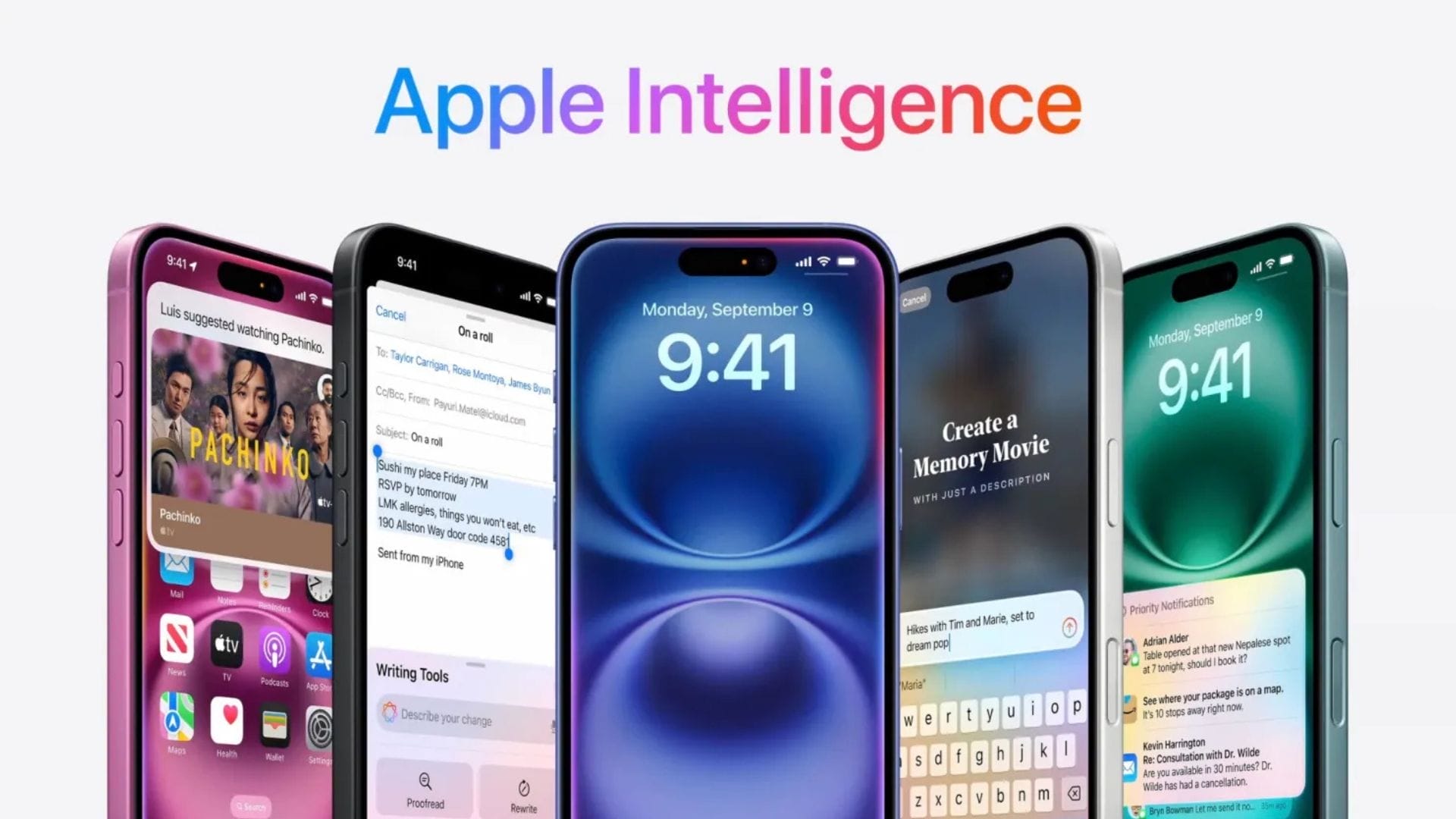
Apple has been gradually rolling out its Apple Intelligence features since it introduced its AI plans at the Worldwide Developers Conference (WWDC) earlier this year. The latest developer beta updates for iOS 18.2, iPadOS 18.2, and macOS Sequoia (15.2) have now arrived, offering exciting new features, including Genmoji, Visual Intelligence, ChatGPT integration, and more writing tools.
This update follows the announcement that iOS 18.1 will be publicly available next week. This will allow users who have not opted into beta testing to experience some of the highly anticipated Apple Intelligence features. The iPhone 16 series, marketed as devices designed for Apple Intelligence, initially launched without these features, but with the latest updates, users are now getting a taste of what was promised.
The tools introduced in this developer beta will soon be publicly available. The update will automatically install if you have already used the developer beta. However, beta software is intended for testing new features and may contain bugs. Always back up your data before installing any beta software, and remember that you will need an Apple developer account to access these updates.
Genmoji and more tools for creativity
The standout feature in today’s update is Genmoji, which allows you to create custom emojis directly from your keyboard. To use Genmoji, access the emoji keyboard, tap the Genmoji button next to the description or search input field, and enter your desired creation. Apple Intelligence will generate several options for you to swipe through and select. You can even create a Genmoji based on photos of your friends, producing more accurate Memojis without the risk of confusion since they will appear as emojis rather than real images.
A Genmoji API is also being released today, enabling third-party messaging apps to read and render Genmoji. This means that your friends on platforms like WhatsApp or Telegram can also enjoy your new custom emojis.
The update also introduces Image Playground and Image Wand. Image Playground functions as both a standalone app and a feature within the Messages app. When you use it in messages, the system generates suggestions based on your conversations. You can type descriptions or select photos from your gallery, and the system provides an image you can modify. Note that only specific art styles are available—animation or Illustration—as photorealistic images of people are not supported.
Image Wand is an exciting addition to the Apple Pencil tool palette. It is designed to enhance your sketches and transform them into more polished works of art.
ChatGPT integration and writing tools
Apple is integrating ChatGPT into Siri and the Writing Tools in a significant move. Whenever OpenAI’s capabilities could better serve your request, the system will suggest using ChatGPT. For instance, asking Siri to generate an itinerary, workout routine, or meal plan might indicate that it needs to consult ChatGPT and ask for your permission to proceed. You can choose how often you want this feature to be triggered.
It’s important to note that you do not need a ChatGPT account to access these tools. Apple has established its own agreement with OpenAI, ensuring that your data, including your IP address, will not be stored or used to train their models. However, if you connect your ChatGPT account, your content will be subject to OpenAI’s policies.
Furthermore, within the Writing Tools, you will find options like Rewrite, Summarize, and Proofread. A new feature, “Describe your change,” has also been introduced. This command bar lets you specify exactly what you want to do with your writing, such as asking it to “make it sound more enthusiastic” or “check this for grammar errors.” This enhancement simplifies the process of getting AI assistance with your writing.
Visual Intelligence for iPhone 16 users
For owners of the iPhone 16 and iPhone 16 Pro who are running the developer beta, Visual Intelligence is now available. This feature allows you to point your camera at various items around you and receive answers, such as solving math problems from your textbook or interpreting the menu at a restaurant you encounter during your commute. Visual Intelligence can also tap into third-party services like Google and ChatGPT for information.
If you do not have an iPhone 16 series device, you need a compatible model to access the Apple Intelligence features. This includes devices such as the iPhone 15 Pro or newer, as well as M-series iPads and MacBooks.
As Apple continues to refine and expand its AI capabilities, users can expect a more integrated and intuitive experience across their devices, bringing new levels of creativity and assistance to everyday tasks.