


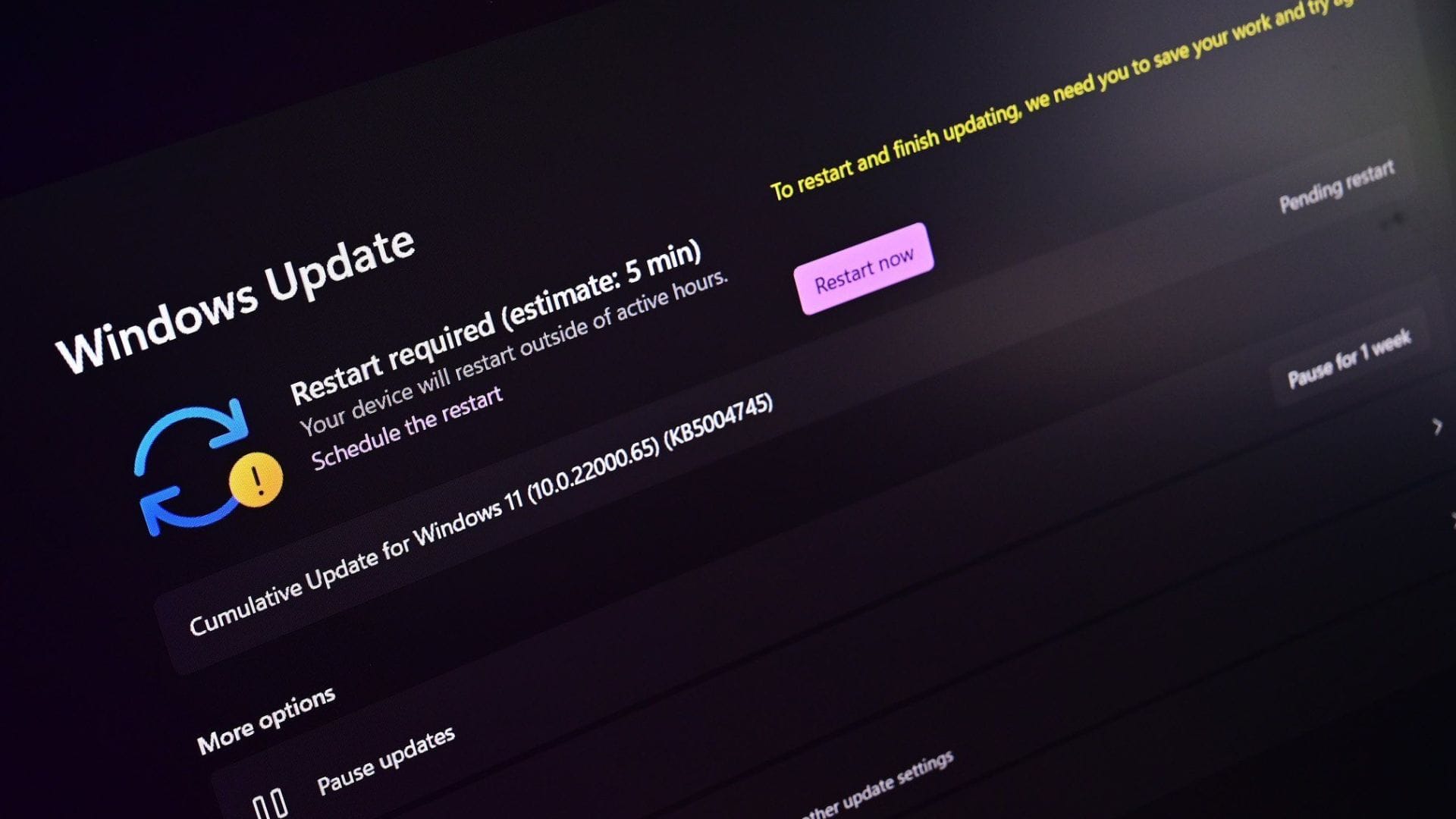
Microsoft has announced significant changes to the way Windows updates are managed, giving users greater flexibility to delay installations that might interrupt their work. The new approach allows updates to be paused repeatedly, potentially enabling users to defer them indefinitely rather than being restricted to a single short delay.
The company shared details of the update in a blog post outlining how the changes respond to long-standing user complaints about unexpected interruptions. Many users have reported being forced to restart or install at inconvenient times, particularly during meetings, gaming sessions, or critical tasks.
Greater control over when updates are installed
Under the revised system, Windows users can now pause updates in blocks of 35 days. Previously, users could delay updates only once within a limited period. With the latest change, once the 35-day pause ends, users can reset the timer again, effectively extending the pause repeatedly if they choose.
This adjustment gives individuals more flexibility in managing their devices, particularly those who rely on stable systems during busy schedules. While the updates themselves remain essential for maintaining system health, the decision of when to install them is increasingly being placed in the user’s hands.
Microsoft emphasised that most updates contain security improvements and bug fixes designed to protect devices from vulnerabilities. Although the new pause feature offers greater freedom, users are still encouraged to install updates eventually to avoid exposure to security risks. In urgent situations, critical patches may still be strongly recommended, even if users can postpone routine updates.
The change reflects ongoing efforts to address complaints about disruptive updates. In the company’s blog post, Microsoft’s Aria Hanson explained that feedback consistently highlighted “disruption caused by untimely updates and not enough control over when updates happen.” This acknowledgement suggests that user experience has become a key focus in shaping the future of Windows update policies.
Improvements designed to reduce interruptions
Alongside the new pause feature, Microsoft has introduced additional improvements intended to reduce unexpected disruptions. One of the most notable changes is that users will still be able to shut down or restart their devices without being forced to install updates at that time.
Previously, some users encountered situations in which the shutdown or restart options automatically triggered update installations, prolonging the time required to power down their computers. The updated system ensures that users can choose standard shutdown or restart actions without committing to updates unless they actively select them.
These adjustments form part of a broader strategy to make everyday computing smoother and less intrusive. Microsoft has gradually introduced features designed to provide more flexibility, including the ability to skip updates during the initial setup of new Windows devices. This earlier change was welcomed by users who preferred to configure their devices first before installing large updates.
By combining multiple quality-of-life improvements, Microsoft aims to create a more predictable update experience. Reducing sudden interruptions is particularly important in professional environments, where forced restarts can disrupt presentations, meetings or remote work sessions. The company appears to be responding to the shift towards hybrid and remote working patterns, where uninterrupted device availability is increasingly critical.
Gradual rollout through insider testing channels
The new update controls are currently being introduced gradually rather than being released to all users at once. Microsoft confirmed that the features are first being made available to members of the Windows Insider programme, specifically those enrolled in the Dev and Experimental Channels.
Testing updates in insider environments allows the company to gather feedback and identify potential issues before wider distribution. Participants in these channels typically receive early versions of features, providing valuable insights into how new tools perform under real-world conditions. This staged rollout helps minimise risks and ensures that major changes function reliably before reaching mainstream users.
If testing proceeds smoothly, the new update management features are expected to expand to a broader audience in future Windows releases. Microsoft has not specified an exact timeline for full deployment, but the incremental approach indicates that further refinements may be made based on early feedback.
Industry observers note that giving users more control over updates represents a shift in how operating systems are maintained. In the past, automated updates were prioritised to ensure devices remained secure. However, as computing environments become more complex, balancing security with user convenience has become increasingly important.
The introduction of repeatable update pauses suggests Microsoft is seeking to strike that balance more effectively. By allowing users to decide when interruptions occur, while still encouraging eventual installation of security patches, the company is attempting to maintain safety without sacrificing usability.