

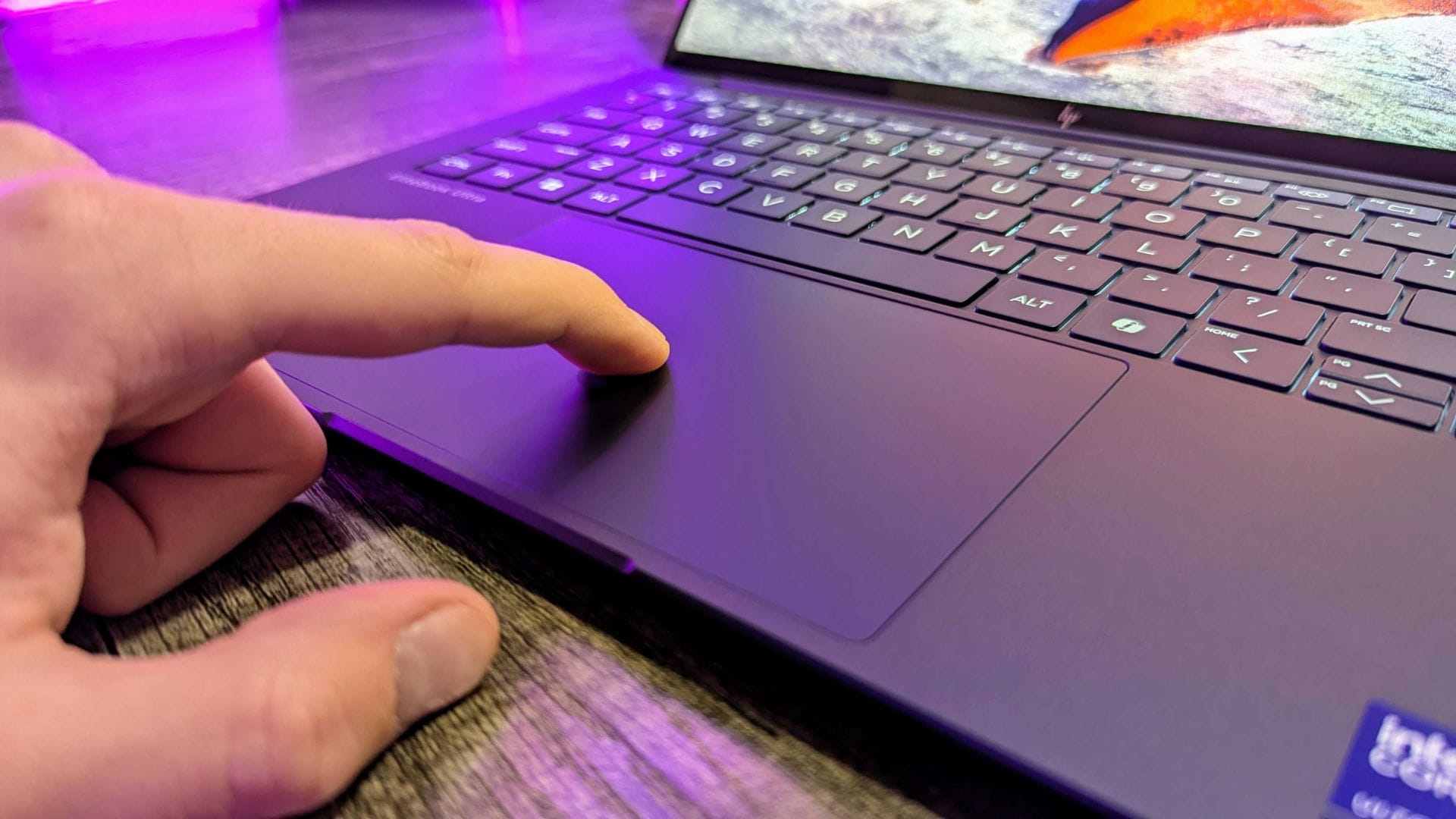
Members of the Windows Insider Program have begun testing a new Windows 11 feature that adds haptic feedback support to compatible mice and touchpads. The update, released over the weekend by Microsoft, aims to enhance everyday interactions by providing subtle vibration responses during common desktop actions.
The feature appears in Windows 11 Build 26220.8148 for the Beta Channel and Build 26300.8155 for the Dev Channel. According to early information shared with testers, the new haptic responses are designed to make routine tasks feel more tactile and precise. Users will experience gentle vibrations when performing actions such as snapping windows into place, resizing elements, or hovering over specific buttons.
Microsoft’s decision to expand haptic feedback beyond touchscreens signals a growing focus on sensory interaction within traditional desktop environments. While haptic feedback has been widely used in mobile devices, integrating it into standard PC peripherals aims to make navigation more intuitive and responsive.
New haptic feedback aims to improve everyday interactions
The headline feature of the latest Windows 11 beta builds is support for haptic signals on compatible input devices. This capability allows subtle vibrations to occur when users interact with on-screen elements, helping them feel confirmation when completing specific tasks. The technology is expected to be particularly useful in precision-based workflows such as aligning objects in PowerPoint.
During demonstrations shared with Insider participants, the haptic feedback activates during actions such as window snapping, resizing application windows, and hovering over the Close button. These responses are designed to be minimal and non-intrusive, offering sensory cues without distracting users from their tasks. Microsoft has indicated that the vibrations are tuned to remain subtle, ensuring they support rather than disrupt productivity.
Users testing the feature will have the option to customise or completely turn off haptic responses. The settings can be adjusted in Windows Settings under Bluetooth & devices, then Mouse, and finally Haptic signals. This level of control reflects Microsoft’s broader approach of allowing users to tailor system behaviour to personal preferences.
Microsoft is also encouraging Insider participants to share their experiences and feedback. Testers can submit comments through the Feedback Hub, specifically within the Input and Language section under Mouse. The company relies heavily on Insider feedback to refine features before they are made available to the wider public, and this update is expected to follow the same development cycle.
Additional improvements included in the latest beta builds
Beyond haptic feedback, the latest beta releases include several smaller improvements to usability and performance. One notable change involves enhancements to the system’s initial setup process, commonly referred to as the “first run experience”. This update is linked to the integration of a new mode associated with the Xbox ecosystem.
The updated first run experience is intended to streamline device configuration and introduce features more efficiently during the initial setup stage. While details about the new Xbox-related mode remain limited, it appears to focus on making Windows devices more accessible to users who rely on gaming-related tools or services. The inclusion of gaming features within early system setup reflects Microsoft’s continued effort to position Windows as a central platform for both productivity and entertainment.
Another improvement introduced in the beta builds involves faster startup performance for applications configured to launch automatically when Windows starts. By refining how startup processes are handled, Microsoft aims to reduce the delays commonly experienced when logging in to a device. This enhancement is expected to benefit users who rely on multiple background applications, such as communication tools or productivity software, that activate immediately after login.
Together, these improvements highlight Microsoft’s ongoing effort to balance innovation with performance. While headline features such as haptic feedback capture attention, smaller refinements to startup behaviour and onboarding processes often deliver equally significant improvements to daily workflows.
Wider rollout expected later this spring
The newly introduced features remain limited to Insider builds for now, but Microsoft has indicated that a broader release is planned once testing is complete. The final version of the update is expected to become available to general Windows users later this spring, provided the feedback phase confirms system stability and user satisfaction.
Insider testing plays a critical role in shaping the final release. By gathering data from real-world usage scenarios, Microsoft can identify compatibility issues, performance bottlenecks, and user preferences before rolling out updates globally. This process helps reduce the likelihood of widespread disruptions when new features are released to the public version of Windows 11.
Industry observers note that the addition of haptic feedback aligns with a broader trend in the technology sector, where manufacturers are seeking to create more immersive computing experiences. By extending tactile feedback to traditional desktop hardware, Microsoft may be laying the groundwork for more responsive interfaces in future versions of Windows.
If the feature proves successful among testers, it could encourage hardware manufacturers to expand support for haptic-enabled peripherals. Such developments may lead to new device categories designed specifically to leverage tactile interaction in desktop computing.
As testing continues, Microsoft is expected to release further refinements based on Insider feedback. The upcoming public release later this spring will determine whether haptic feedback becomes a standard component of Windows interaction or remains an optional enhancement for compatible devices.