

Microsoft’s latest update to its Copilot assistant for Windows 11 is drawing attention for its unexpectedly high memory usage, raising concerns among users already facing rising hardware costs and tighter system resources.
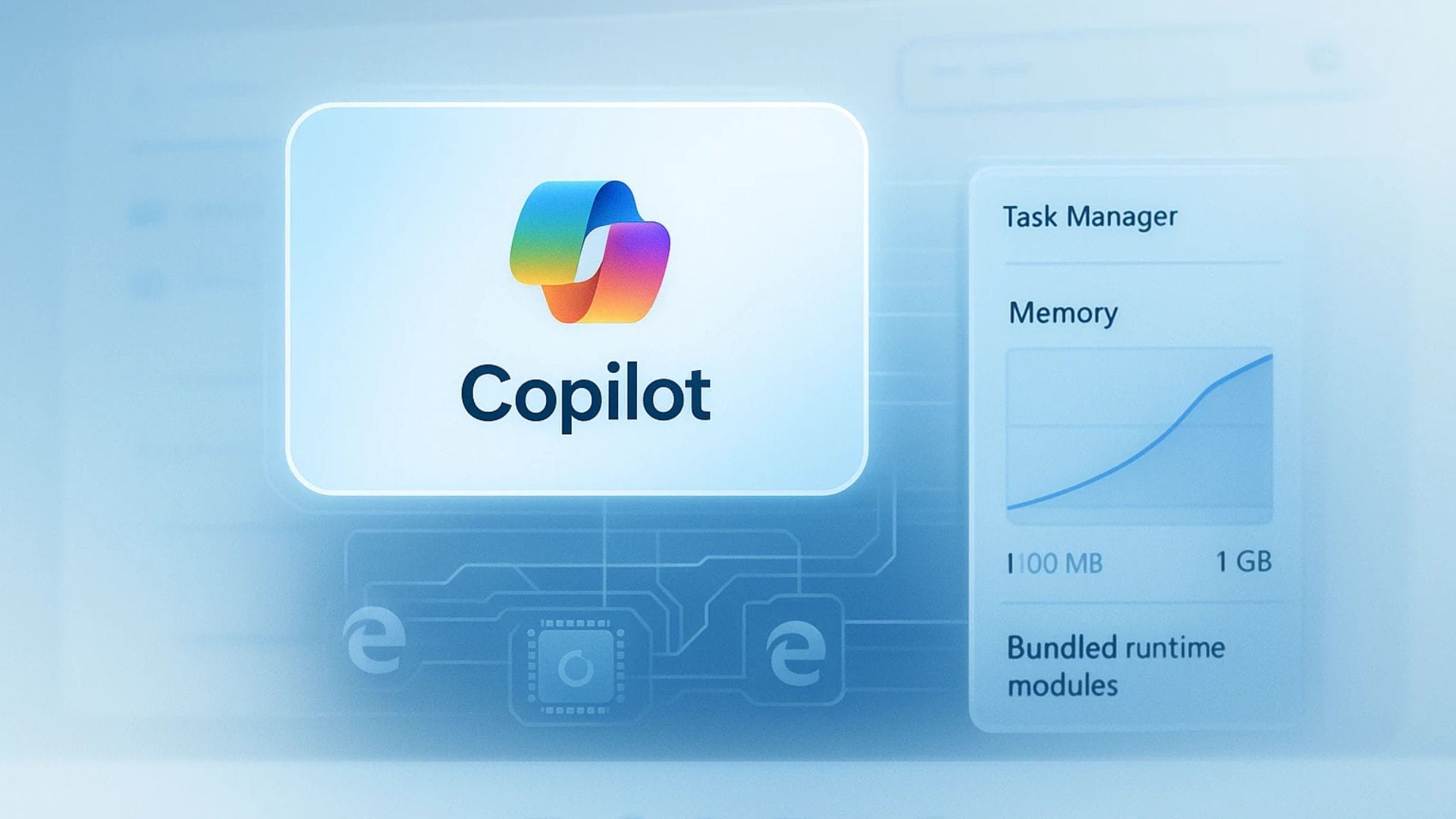
Reports from technology site Windows Latest indicate that the newest version of the Copilot application has shifted away from its previous native design. Instead, it now operates as a hybrid web-based tool built on Microsoft Edge’s technology. This change means the assistant functions in a way that closely mirrors its web-based counterpart, while appearing to behave like a standard desktop application.
Although the transition offers some functional advantages, the move has also drawn criticism from users and observers who believe the increased resource demands run counter to broader industry efforts to improve performance and reduce system strain.
Shift to web-based architecture increases memory demand
The latest version of Copilot replaces an earlier native application built with the WinUI framework. In its new form, the assistant operates through a customised version of Microsoft Edge, effectively running as a dedicated browser instance behind the scenes.
From a user perspective, the application continues to appear polished and responsive. Windows Latest observed that the assistant runs smoothly and closely resembles a native application in both look and feel. It also benefits from receiving the same features and updates as the web version of Copilot, which can simplify development and reduce delays between feature releases.
However, the underlying architecture comes with notable performance costs. According to Windows Latest, the new Copilot application can consume up to 500MB of RAM while running in the background. When users actively interact with the assistant, memory usage may increase significantly, reaching approximately 1GB.
This level of resource consumption is drawing concern at a time when many users rely on systems with limited memory capacity. A large number of Windows 11 machines run with 8GB of RAM, making efficient memory management a priority for everyday computing tasks.
Criticism emerges amid broader performance concerns
The timing of the change has amplified criticism, particularly because Microsoft has previously pledged to improve Windows 11 performance and reduce unnecessary resource usage. Some observers view the introduction of a memory-heavy application as inconsistent with those commitments.
Some also see the reliance on a browser-based structure as a practical shortcut rather than a carefully optimised solution. While using web technology allows faster development and easier deployment of new features, it can create overhead that would not exist in a fully native application.
In recent years, rising memory prices and increasing software demands have put pressure on users to upgrade their hardware more frequently. This has led to heightened sensitivity around applications that consume large amounts of system resources without delivering proportional benefits.
Feedback from online communities reflects this concern. One Reddit user commented: “Copilot went from a lightweight assistant to basically a hidden Edge browser eating up RAM. Cool tech, but terrible for performance-conscious users.” Such reactions highlight a growing perception that convenience and rapid feature delivery may be taking precedence over efficiency.
Copilot’s development history adds to user confusion
The current situation is not the first time Copilot has undergone a significant redesign. Since its initial launch, the assistant has changed form several times, contributing to confusion among users about its long-term direction.
Originally, Copilot appeared as a side-panel feature integrated directly into Windows 11. It was later separated into a standalone progressive web app before returning to a native application format. The latest version marks yet another transition back to a web-based structure, albeit in a slightly different configuration than before.
This pattern of repeated redesigns has led some observers to question whether the evolving approach reflects competing priorities within Microsoft. While the Copilot team may prioritise rapid feature deployment and alignment with web services, the broader Windows development group has historically emphasised performance and efficiency.
Despite the criticism, the new Copilot application is now available through the Microsoft Store, indicating that the company intends to maintain this direction for the foreseeable future. Whether future updates will address the reported memory usage remains uncertain, but user expectations for optimisation are likely to remain high.
As artificial intelligence tools become more deeply integrated into operating systems, balancing functionality with performance will be a key challenge. For Microsoft, ensuring that Copilot remains both useful and efficient may determine how widely the assistant is adopted across different types of hardware.