

Google has begun rolling out a new feature for its Chrome browser on Android, bringing a bookmark bar to tablets and foldable devices. The update, first reported by 9to5Google, aims to enhance the browsing experience on larger mobile screens by making it more consistent with the desktop version of Chrome.
The feature is included in version 146 of Chrome for Android, which has recently been released. While relatively small in scope, the addition reflects Google’s ongoing efforts to improve productivity and usability on devices designed for more advanced mobile computing.
Bringing desktop-style browsing to larger screens
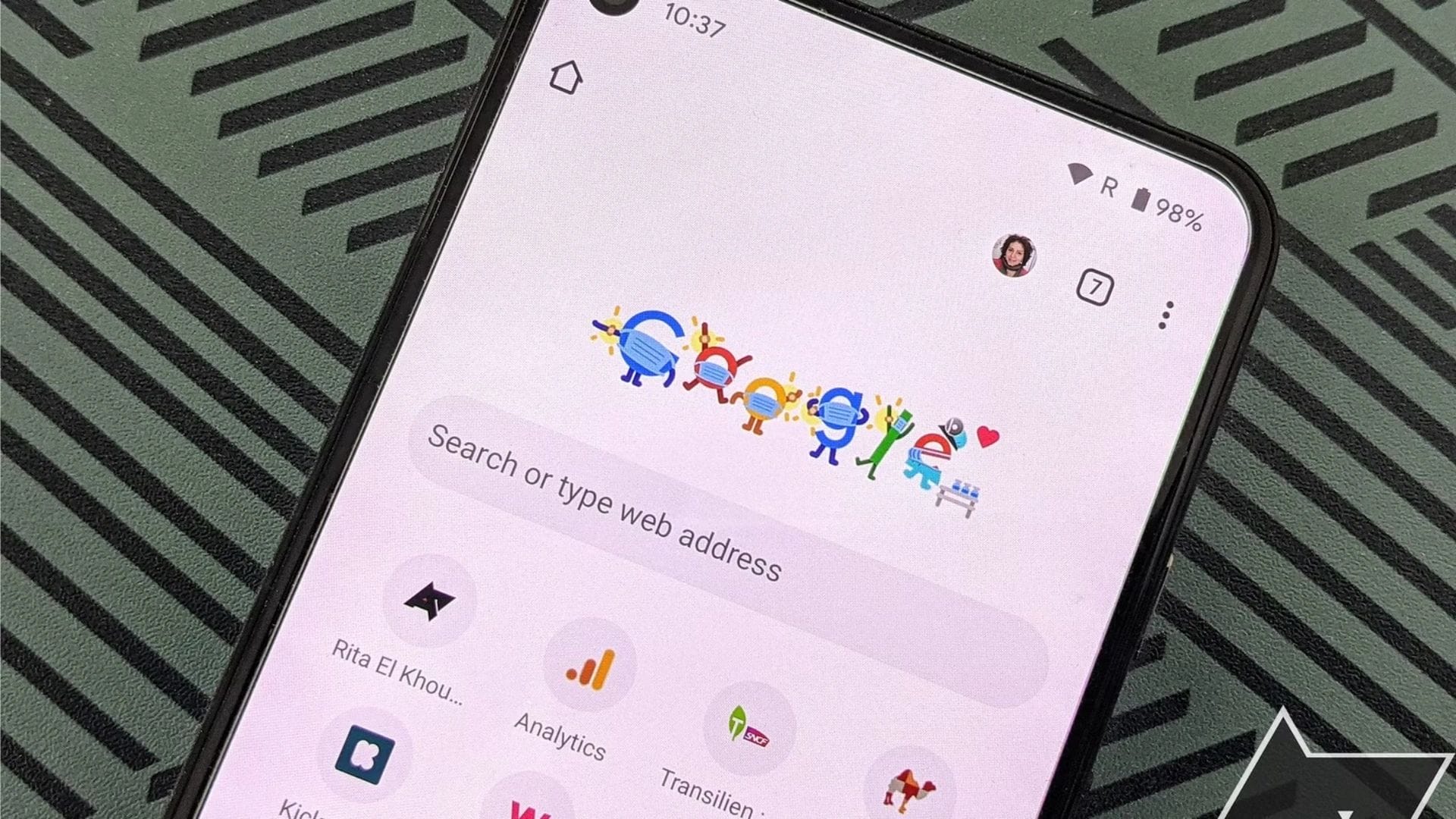
The new bookmark bar introduces a familiar element long associated with desktop browsers. Positioned directly below the Omnibox, the bar displays saved bookmarks with their corresponding favicons and site names. This layout allows users to quickly access frequently visited websites without navigating through menus.
The change is particularly relevant for tablets and foldable smartphones, which offer larger displays and are increasingly used for work and multitasking. By incorporating features traditionally reserved for desktop environments, Google appears to be aligning Chrome’s mobile experience more closely with its desktop counterpart.
A scrolling function has also been integrated into the bookmark bar. A chevron icon lets users navigate a longer list of saved bookmarks, ensuring accessibility even for those with extensive collections. Additionally, users can press and hold a bookmark to reveal the full URL, offering greater transparency and control when navigating.
This update highlights a broader trend in mobile software design, where distinctions between desktop and mobile interfaces are gradually narrowing. As devices become more powerful and versatile, software is evolving to support more complex and productivity-focused use cases.
Optional feature with manual activation
Despite its potential benefits, the bookmark bar is not enabled by default. Users who wish to use the feature must manually activate it within Chrome’s settings. The default configuration is set to “Hidden on narrow screens,” meaning it will not appear automatically even on compatible devices.
To enable the bookmark bar, users need to navigate to the Settings menu within Chrome, select Appearance, and then choose the option labelled “Show bookmarks bar.” This approach allows users to decide whether the feature suits their browsing habits, particularly as screen space remains a consideration even on larger devices.
The decision to keep the feature optional may reflect differing user preferences. While some users may welcome quicker access to bookmarks, others may prefer a cleaner interface with fewer on-screen elements. By offering manual activation, Google provides flexibility without imposing changes on all users.
The rollout of the feature is gradual, meaning it may not be immediately available to all users even if they are running the latest version of Chrome. As with many software updates, availability can vary depending on device compatibility and regional deployment schedules.
Small update with practical impact
Although adding a bookmark bar may seem minor, it represents a practical improvement for users who rely on their mobile devices for more than casual browsing. For those using tablets or foldables as primary computing tools, quick access to bookmarks can streamline workflows and reduce the need for repeated navigation steps.
The update also signals Google’s recognition of how user behaviour is changing. As mobile devices continue to replace traditional computers in many contexts, features that support productivity and efficiency are becoming increasingly important. Enhancements like the bookmark bar help ensure a smoother transition between device types.
Furthermore, the move aligns with broader industry efforts to optimise applications for foldable devices, a category that is still evolving. By refining the user interface for larger and more flexible screens, developers can better support the unique capabilities of these devices.
While it may not be a headline-grabbing feature, introducing a bookmark bar demonstrates how incremental changes can significantly improve the user experience. As Chrome continues to evolve, similar updates are likely to play a key role in shaping how people interact with the web on mobile platforms.