

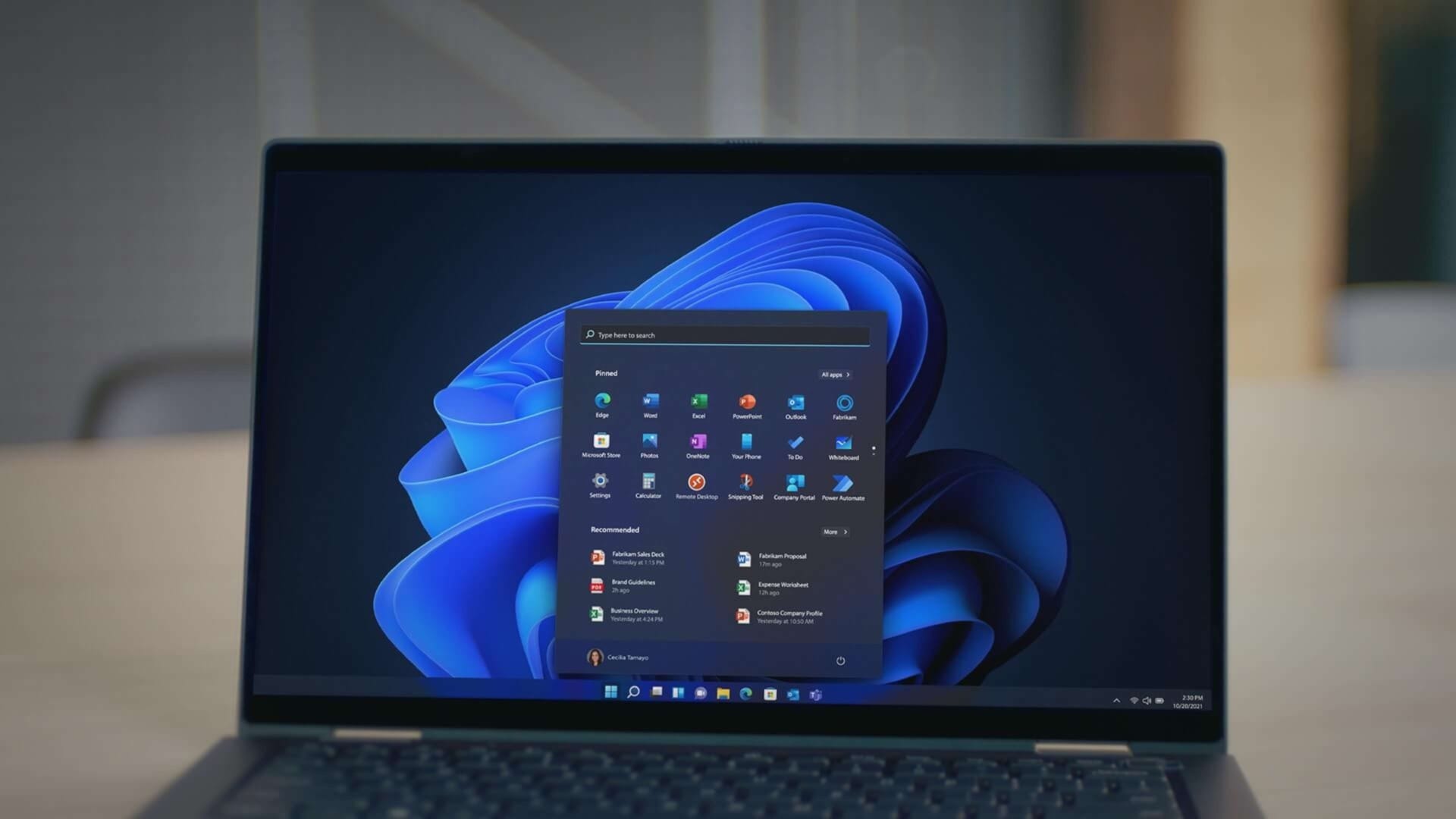
Microsoft has begun quietly trialling a novel update to the Windows 11 Start menu, potentially introducing a floating panel replete with ‘companion’ widgets. Albacore, a Windows enthusiast, discovered this emerging feature in the latest test builds of Windows 11 that Microsoft has made available to the public.
It's time for the Start menu to become extensible!✨
— Albacore ☁️ (@thebookisclosed) May 9, 2024
Windows 11 β build 26212 quietly introduces support for "Start Menu Companions." They're apps that provide Adaptive Cards which display on a floating island (docked ➡️ or ⬅️) alongside Start
Used Widgets data as a quick demo 😊 pic.twitter.com/FddrpC99h3
Although Microsoft has not made an official announcement yet, the so-called “Start Menu Companions” could represent a significant shift. This innovation seems designed to allow developers to augment the Windows 11 Start menu with widget-like functionalities that exist within a floating island that can conveniently dock beside it. Developers will have the opportunity to create applications that deliver widget-like data through adaptive cards, a versatile method for showcasing blocks of UI information.
Customisation and potential impacts
These companions are expected to be highly customisable within the main Windows 11 Settings menu, which will provide options to install multiple companions and toggles for enabling or disabling them. According to Albacore, these companions are notably web-centric, aligning closely with the existing widgets inside Windows 11.
Should Microsoft decide to implement this feature fully, it could serve as a remedy for the discontinuation of Live Tiles. These were phased out in both Windows 10X and Windows 11. Originating from the era of Windows Phone, Live Tiles were animated and flipping icons that provided widget-like information directly on the Start menu. First introduced in Windows 8, these tiles were part of Microsoft’s broader strategy to bridge functionalities with its Windows Phone OS, designed to offer “glance and go” capabilities—enabling users to quickly look at a phone or Start menu to obtain the information they needed.
Looking ahead
This potential shift towards more dynamic and interactive elements within the Windows 11 Start menu highlights Microsoft’s ongoing efforts to enhance user interface experiences and increase functionality. By integrating such features, Microsoft not only aims to improve the practicality of its OS but also to revive elements from its past user interface experiments in a new and modern context. If fully adopted, this feature could mark a significant evolution in how users interact with Windows on a daily basis, potentially setting a new standard for desktop environments.