

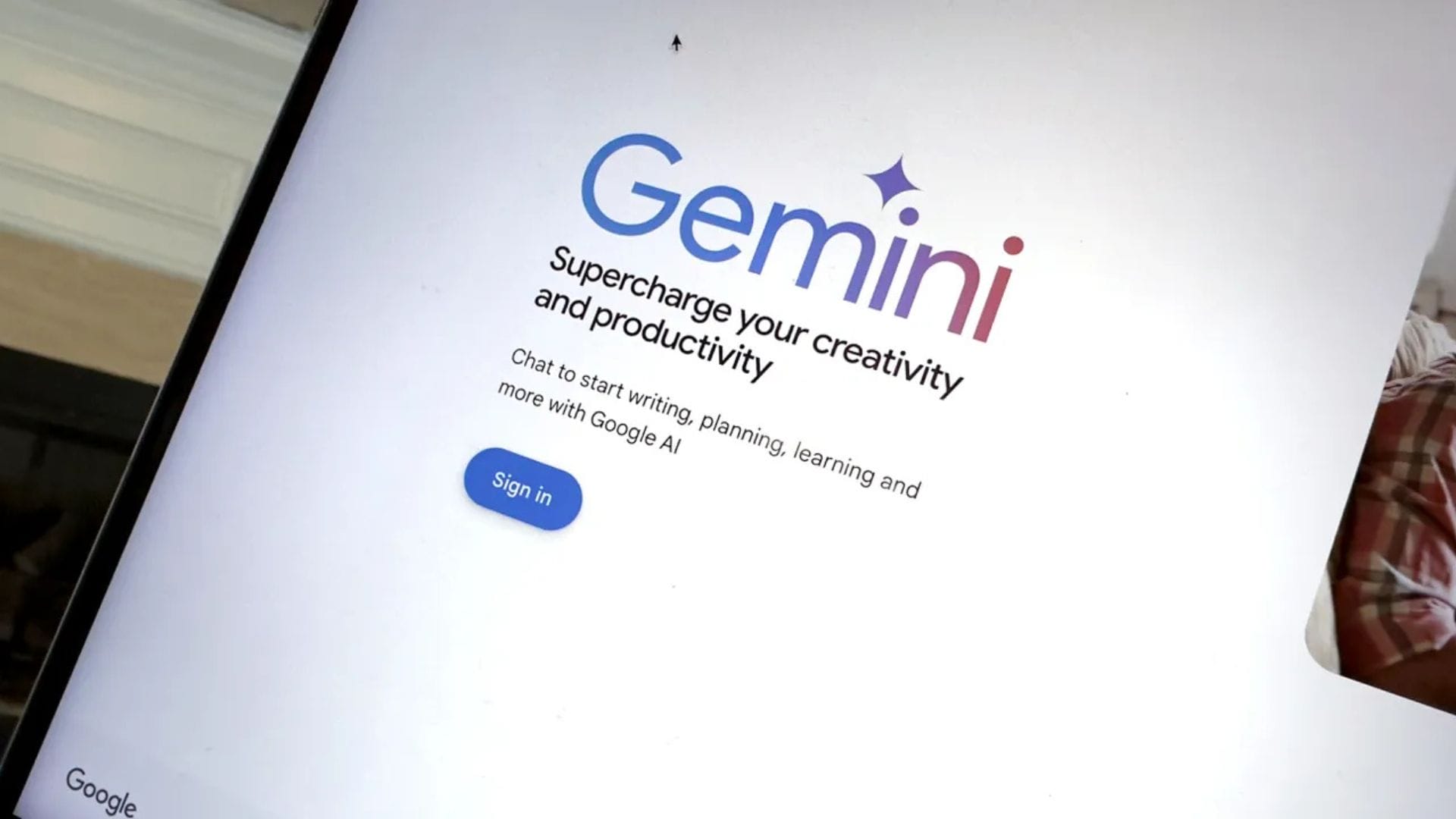
Google has released a new desktop application for Windows, bringing its Gemini artificial intelligence assistant directly to users’ desktops. The move reflects the company’s ongoing push to make AI tools more accessible across everyday computing environments.
The new application places artificial intelligence at the centre of the desktop experience, allowing users to interact with Gemini without relying solely on web browsers. For those who frequently use Gemini for search and productivity tasks, the app offers a more streamlined way to access information and tools on Windows devices.
The rollout is global, and the app is available in English at launch. Notably, the application is compatible with a wide range of systems, supporting devices running Windows 10 and newer versions rather than limiting access to the latest operating systems.
Bringing AI directly to the Windows desktop
The Gemini Windows app introduces a dedicated interface designed to make interactions with artificial intelligence faster and more convenient. Once installed, users can open the application’s search bar using the keyboard shortcut Alt + Space, allowing them to quickly begin typing requests without navigating through menus or browser windows.
This shortcut-based approach is intended to mirror the speed of traditional desktop search tools while expanding the range of possible actions. Queries entered into the search box can perform standard web searches, similar to those carried out on Google’s website. However, the app also includes an AI mode that enables follow-up questions and deeper exploration of topics without requiring re-entry of search terms.
The introduction of an always-available AI search tool reflects a broader shift in how technology companies are positioning artificial intelligence as a core feature rather than an optional add-on. By embedding Gemini directly into the desktop environment, Google appears to be encouraging users to rely on AI assistance throughout their daily workflows rather than only during specific browsing sessions.
In practical terms, this could benefit users who regularly conduct research, manage files or handle complex queries. Instead of opening multiple applications or browser tabs, they can interact with Gemini in a single interface, potentially reducing the time spent switching between tools.
Extending search beyond the web
One of the key features of the Gemini Windows app is its ability to access more than just internet content. In addition to performing web searches, the application can search files stored on the computer. This allows users to locate documents, images and other files using natural language queries rather than relying solely on file names or folder navigation.
The app also supports searching across installed applications, allowing you to retrieve information stored in various programmes. For users who rely on cloud storage, the integration extends to Google Drive, enabling Gemini to locate and retrieve files stored in Google Drive. This combination of local and cloud-based search tools reflects Google’s effort to unify different data sources into a single searchable environment.
Another notable capability is screen sharing. Through this feature, users can share content displayed on their monitor with Gemini. The application then uses visual recognition technology to analyse what is on the screen, allowing users to search for images or text they are viewing.
This capability is powered by Google Lens technology, which enables the system to identify objects, text and visual details. For example, users could highlight a product image or piece of text on their screen and request further information, translations or related content. The addition of visual search features demonstrates how AI tools are increasingly blending text-based and image-based interactions into a single workflow.
Compatibility and global rollout strategy
Unlike some recent software releases that focus exclusively on newer operating systems, Google has taken a broader compatibility approach with the Gemini Windows app. The application does not require the latest version of Windows 11 and instead supports computers running Windows 10 or later. This decision significantly increases the number of users who can install the app without upgrading their devices.
By maintaining compatibility with Windows 10, Google ensures access for businesses, schools and individuals who continue to rely on older but widely used systems. This strategy may help accelerate adoption rates, as users are less likely to encounter technical barriers during installation.
The global rollout of the application began on 18 April, with English as the initial supported language. While additional languages have not yet been confirmed, technology observers expect further localisation to follow as adoption grows in different regions.
The release also highlights the growing competition among technology companies to integrate artificial intelligence directly into operating systems and desktop environments. By introducing Gemini as a dedicated Windows application, Google is positioning its AI assistant as a central productivity tool rather than a browser-based service.
As AI-driven tools continue to evolve, the success of applications like this will likely depend on how effectively they blend speed, convenience and reliability. For now, the Gemini Windows app represents another step towards making artificial intelligence a routine part of everyday computing.